



Flutter has established itself as the top cross-platform framework over the years. According to many researches, nearly 3 million monthly active developers globally now use Flutter, making it the most widely used cross-platform mobile framework.
This rapid adoption is fueled by businesses like Google Pay, Alibaba, and BMW, who use Flutter to build high-performance apps for iOS, Android, web, and desktop, all from a single codebase.
For businesses, Flutter offers the benefit of consistent user experiences across platforms while cutting development costs and reducing time-to-market. In this guide, we’ll explore what Flutter is and how it can help businesses build robust, scalable apps that meet today’s market demands.
What is Flutter?
Flutter is an open-source UI software development kit (SDK) created by Google to build natively compiled applications for many platforms like mobile (iOS, Android), web, and desktop from a single codebase. First released in 2017, Flutter has since become one of the most popular cross-platform frameworks due to its flexibility and ability to produce high-performance, visually engaging apps.
At the core of Flutter is the Dart programming language, also developed by Google. Dart is optimized for building fast apps, offering features like strong typing, async programming, and rich standard libraries, suitable for developing robust applications.
By using Dart, Flutter can pre-compile code for multiple platforms, allowing apps to run natively, which improves performance and responsiveness.

Key Aspects of Flutter
Flutter works by utilizing its own rendering engine, widget framework, and development tools to create cross-platform mobile applications. Here’s an overview of what make Flutter works:
Flutter Architecture
Flutter uses a reactive, component-based approach. Under the hood, the Flutter engine is written in C++ and does the heavy lifting for rendering and performance, using the Skia graphics library. It also manages animations and input like touch gestures. On top of that engine, the Dart framework provides the tools and widgets for building user interfaces.
Dart Programming Language
Flutter uses Dart as its primary language. Dart is a modern, object-oriented programming language developed by Google. It offers features like strong typing, garbage collection, and a just-in-time (JIT) compiler for fast development cycles. Dart is used to write the logic and structure of the application, including UI components, business logic, and communication with backend services.
Widget-based UI Framework
Flutter employs a widget-based UI framework. Widgets are the building blocks of a Flutter application and represent different parts of the user interface, such as buttons, text fields, and containers. Flutter provides a rich set of customizable and pre-built widgets that can be combined and nested to create complex UI layouts.
Widgets in Flutter are reactive, meaning they can rebuild and update themselves in response to changes in state or user interactions.
Hot Reload
One of the key features of Flutter is its hot reload capability. Hot reload allows developers to make changes to their code and instantly see the results in the running app, without the need for a full restart or recompilation. This feature significantly speeds up the development process, enabling developers to experiment, iterate, and fine-tune their apps quickly.
Platform Channels
Flutter provides platform channels that allow developers to access native platform features and APIs. This enables integration with device-specific functionalities such as camera access, geolocation, sensors, and more. Platform channels act as a bridge between the Flutter app and the underlying native code, facilitating communication and interaction with the device’s capabilities.
Skia Graphics Engine
Flutter utilizes the Skia graphics engine for rendering UI elements. Skia is a powerful and efficient 2D graphics library that provides high-performance rendering across different platforms. It handles the rendering of UI elements, animations, and effects, ensuring smooth and responsive user interfaces.
Cross-platform Support
With Flutter, developers write a single codebase that can be compiled to native machine code for multiple platforms. The Flutter engine provides a consistent runtime environment across iOS and Android, ensuring a consistent user experience.
This approach saves development time and effort by eliminating the need to write separate codebases for each platform.
Development Tools
Flutter provides a set of development tools that facilitate the creation, testing, and debugging of Flutter applications. Flutter SDK includes the Flutter command-line tools, which offer functionalities like creating new projects, running the app, and managing dependencies.
Flutter also integrates with popular Integrated Development Environments (IDEs) like Visual Studio Code and Android Studio, providing features like code completion, debugging, and hot reload support.
Advantages of Using Flutter
Single Codebase
With Flutter, developers can write code once and deploy it across multiple platforms, saving time and effort. This approach reduces the need to maintain separate codebases for iOS and Android, leading to faster development cycles and easier code maintenance.
Fast Development
Flutter offers a hot reload feature that allows developers to see the changes made in the code instantly, without the need for recompilation. This significantly speeds up the development process, enabling developers to experiment, iterate, and fine-tune their apps quickly.
Beautiful UIs
Flutter provides a rich set of customizable and pre-built widgets, so developers can create beautiful and interactive user interfaces. With Flutter’s Material Design and Cupertino (iOS-style) widgets, developers can achieve native-like UI experiences on different platforms.
High Performance
Flutter’s underlying rendering engine, called Skia, ensures smooth and responsive interfaces, delivering high performance on both iOS and Android platforms. Flutter apps are compiled to native code without the need for JavaScript bridges, providing fast startup times and efficient execution.
>> Read more: How to Improve Flutter Performance? Best Practices & Techniques
Access to Native Features
Flutter offers extensive access to native device features and APIs through platform channels. This allows developers to leverage device-specific functionalities such as camera access, geolocation, sensors, and more, providing a seamless user experience.
Rich Development Ecosystem
Flutter provides a robust and growing ecosystem with various libraries, packages, and tools. The Flutter community actively contributes to the ecosystem, offering solutions for various use cases, including state management, networking, persistence, and testing.
>> Read more:
- How to Use Flutter Bloc for State Management?
- Mastering Provider in Flutter for Effective State Management

Disadvantages of Using Flutter
While Flutter offers many advantages for cross-platform mobile app development, it is essential to consider its potential disadvantages as well. Here are some of the challenges and limitations associated with using Flutter:
Limited Maturity
When comparing Flutter with more established frameworks like React Native, Flutter is relatively new. As a result, the framework’s ecosystem and community, while growing rapidly, may not be as extensive or mature as those of more established alternatives. This can sometimes lead to limited resources, fewer third-party libraries, and a smaller talent pool of experienced Flutter developers.
Large App Size
Flutter apps tend to have larger file sizes compared to their native counterparts. This is primarily due to the inclusion of the Flutter engine and other necessary dependencies within the app package. Although efforts have been made to optimize app size, it remains a consideration, particularly for apps with limited storage capacity or in regions with slower internet connections.
Performance Limitations
While Flutter is known for its high-performance capabilities, there may be specific scenarios where native development provides better performance. For applications that require intensive processing, such as graphics-heavy games or complex animations, Flutter’s rendering engine may not perform as efficiently as platform-specific alternatives.
Limited Platform-Specific Features
Flutter’s primary focus is to provide a unified UI experience across platforms, which means it may lack access to certain platform-specific features or APIs that are not yet fully supported. While Flutter’s platform channels allow developers to bridge the gap and access native functionalities, it may require additional effort to integrate and maintain platform-specific code.
Learning Curve
Although Flutter uses the Dart programming language, which is relatively easy to learn, developers who are unfamiliar with Dart may face a learning curve when adopting Flutter. While Flutter’s hot reload feature facilitates rapid development, developers still need time to familiarize themselves with Flutter’s widget-based architecture and other framework-specific concepts.
Limited UI Customization
Flutter offers a set of pre-built widgets and UI components, which makes it easy to create beautiful and consistent UIs. However, this can also limit the level of customization compared to developing natively or using other frameworks. Customizing certain platform-specific UI elements or adhering strictly to platform-specific design guidelines may require additional effort and workarounds.
Compatibility Issues
As Flutter relies on its rendering engine, it may face compatibility issues with older devices or specific device configurations. Although Flutter aims to provide a consistent experience across different devices, some edge cases or platform-specific variations may require additional attention and testing.
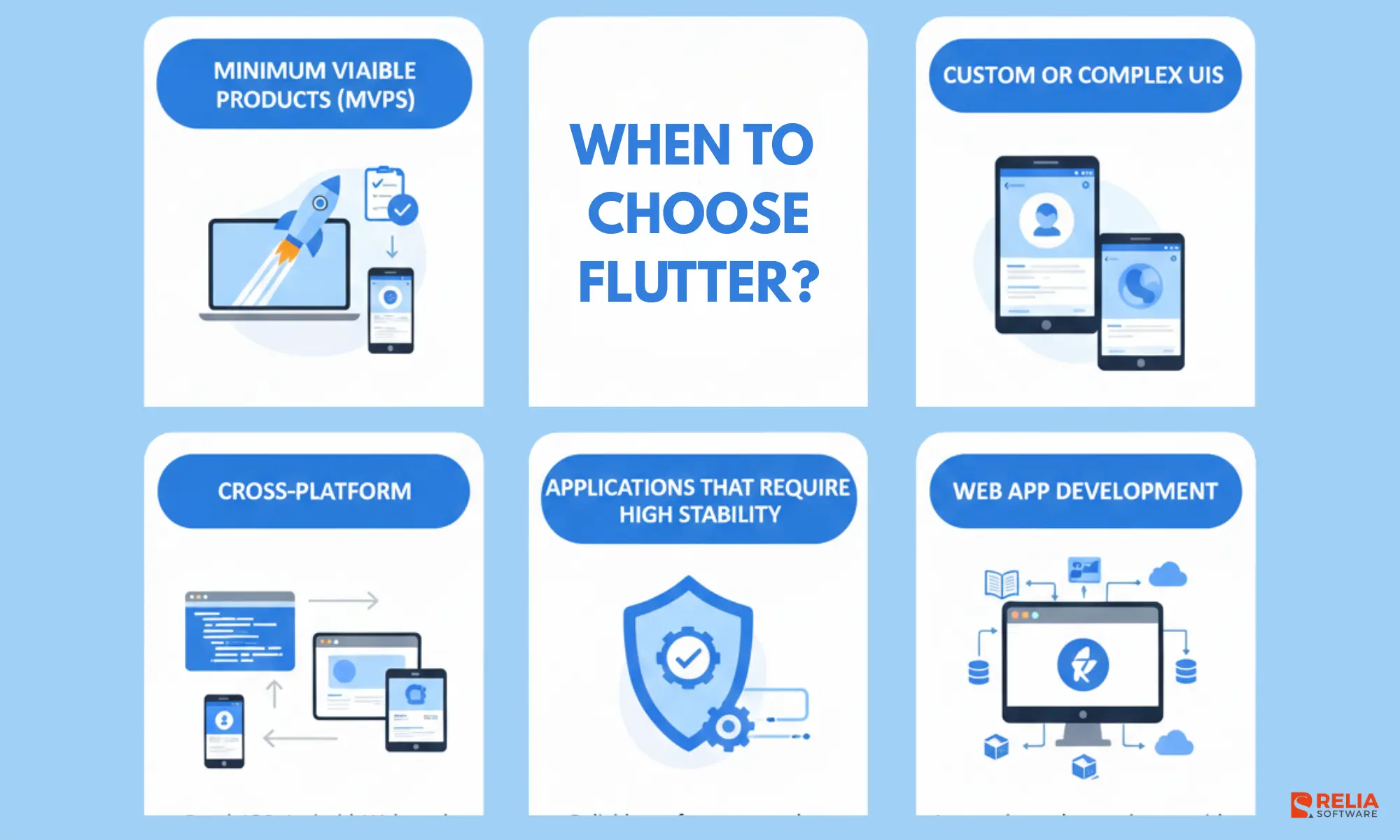
When to Use Flutter?
Flutter is an extremely flexible technology that works well for many business cases. Let’s look at them in more detail.
Cross-Platform Mobile App Development
Clearly, Flutter is an optimal choice for cross-platform app development, especially common in 3 cases:
- You need to launch quickly: Flutter allows a single codebase for all chosen operating systems, which greatly speeds the development process and reduce duplicate work across platforms.
- The requirements often change: If the app logic and screens are still evolving, Flutter makes it easier to iterate without maintaining two separate native apps. We had a case where the client addressed us with the proof of concept solution for iOS and Android. Having no documentation, but a focus group, they aimed to test the app’s concept before building a full-fledged system. We chose Flutter as an optimal solution allowing him to dynamically change the app’s logic.
- An app with a complex custom design: Flutter is particularly well-suited for projects that require a high degree of customization and complex animations. Besides the ability to handle complex designs, it can be easily integrated with other technologies and third-party services.
Web App Development
Since the Flutter code can be compiled into Webassembly for better security, it is possible to have the same codebase for the the web version of an app. From our experience, Flutter is the best fit for web applications in the following cases:
- When porting some mobile apps into the web because of almost 100% code sharing.
- Complex and unusual web interfaces (like editors, IDE, etc.) that feels more like an “app” than a traditional website (for example, internal tools, dashboards, editors).
- When it is required to create an extensive functionality for complex enterprise solutions within a short period of time.
Flutter supports web officially and can render UI using different renderers, which helps you build experiences that don’t rely fully on the DOM. This can reduce the effort for unusual interfaces and lets you reuse Flutter’s widget system across platforms. In practice, Flutter web is strongest for web apps (interactive tools and dashboards) rather than content-heavy marketing sites.
Applications That Require High Stability
Flutter supports stability by compiling to native code on mobile and using its own rendering pipeline, which helps the UI stay consistent even when OS versions or device customizations change.
Flutter also ensures version compatibility and consistent API and development approaches. This allows code written in previous versions to be reused in new apps, unlike other technologies that may drop support for older versions. As a result, high stability keeps applications running smoothly.
Fast MVP Development
When startups or businesses need to quickly develop a Minimum Viable Product (MVP) to validate their ideas and gather user feedback, Flutter is an ideal choice. Flutter’s hot reload feature allows developers to make real-time changes and see them instantly, facilitating rapid prototyping and iteration.
As Flutter’s widgets are immutable, only the screens being actively worked on undergo the reloading process. According to our calculations, this efficient approach can potentially reduce development time by approximately 30%.
By leveraging Flutter’s rich set of UI components and expressive design capabilities, developers can create engaging MVPs with minimal effort and time investment.
As mentioned, Flutter works great when the business needs change frequently due to changing requirements. If you are not sure about the final vision of the product, Flutter will allow you to make a minimum of changes for different platforms, enabling you to work with and update only one code base.
When Flutter isn’t the Best Choice?
Although I don’t want to make you doubt the chosen tech stack, it’s important to realize that any technology has limitations that can affect scalability and growth. Therefore, it’s essential to verify if choosing Flutter is the right decision for your product implementation. In some cases, Flutter isn’t the best choice for a project. Let’s find out why.
Apps With Native-Dependent Functionality
Flutter provides access to native device features like the camera and geolocation but can’t provide access to all the native functionality that your app may require. If you strive to build a product with native-level features and avoid resource-intensive apps with a large footprint, it’s better to tap into native iOS or Android app development services.
In scenarios where core functionality varies based on the platform or operating system, such as background work or supporting sound playback when the app is minimized, developing two separate applications may be more convenient.
Augmented Reality (AR) Solutions
Augmented reality (AR) engines function differently depending on the platform, and Flutter can’t guarantee platform-independent logic. For AR app development, building separate native applications can offer productivity, cost-effectiveness, and maintenance advantages.
The native approach ensures a more streamlined development process and better compatibility with platform-specific AR engines, enabling optimal performance.
SEO-focused or Progressive Web Apps
Because Flutter for web uses a canvas-based approach instead of a traditional layout, it can struggle with search engine optimization and slower initial load times compared to React or Vue. Also, if your target is a very lightweight web experience that needs to load instantly with minimal data, traditional web frameworks may still outperform Flutter's rendering engine in terms of initial load speed.
While Flutter provides a number of tools for web application development, its web support is still in the early stages and may only be suitable for some cases.
Apps Needing Small File Sizes
Because Flutter apps must include the Flutter engine and built-in widgets, the initial download size is typically larger than a purely native application. Flutter apps having a larger minimum size (over 4MB) can be a disadvantage for users with low storage or for Google Play Instant Apps.
Heavy Hardware Integration
If your application relies heavily on complex, platform-specific features like advanced Bluetooth communication, specialized sensors, or the latest OS-specific APIs, you will likely find yourself writing a significant amount of native code (Swift or Kotlin) anyway. This undermines the single-codebase advantage that Flutter provides.
Specialized Devices and Non-Touch Inputs
Even if your app works well on iOS and Android phones, Flutter’s ecosystem is less mature for specialized platforms like Apple Watch, Wear OS, and Android TV. These platforms often introduce completely different interaction patterns, such as:
- remote controls and D-pad navigation (TV);
- circular screens and tiny UI constraints (watches);
- platform-specific UI conventions and app lifecycle rules.
Supporting these device types usually requires extra platform-specific work, more testing, and more custom UI decisions. That can increase development time and reduce the simplicity you expected from a single cross-platform codebase.
2 Flutter Alternatives You Can Consider
Let’s consider Flutter against the background of other popular cross-platform technologies, React Native and Native Script, to evaluate the technology impartially.
React Native
>> Read more: React Native End-To-End Testing with Detox
React Native, developed by Facebook, is a widely adopted framework for building native-like mobile applications using JavaScript. It allows developers to write code once and deploy it on both iOS and Android platforms, resulting in significant time and cost savings.
React Native leverages a “learn once, write anywhere” approach and offers a rich set of pre-built components and a vibrant community ecosystem. It is an excellent choice for developers who have a background in JavaScript and desire a flexible and scalable framework.
NativeScript
NativeScript, an open-source framework developed by Progress, empowers developers to build native mobile apps using JavaScript, TypeScript, or Angular. It provides direct access to native APIs, allowing developers to create platform-specific functionalities and deliver a true native experience.
NativeScript supports both iOS and Android platforms and offers extensive UI component libraries and plugins. It is an excellent choice for developers who prefer working with JavaScript or Angular and require deep integration with native capabilities.
Let's look through the brief comparision among these three frameworks via the table below:
|
Criteria |
Flutter |
React Native |
NativeScript |
|
UI |
Uses its own rendering pipeline → consistent UI and custom animations across platforms. |
Uses native views → native feel, flexible with React ecosystem. |
Uses native views; works with Angular/Vue/JS, UI depends more on platform + plugins. |
|
Performance |
Often smooth for UI-heavy apps; still needs optimization for lists/images/background work. |
Usually strong for common apps; performance depends on JS workload, animations, and libraries. |
Fine for many apps, but heavy JS work or frequent UI updates can cause lag if not optimized. |
|
Customization |
Very strong: custom paint/layouts without dropping to native often. |
Good, but deep UI/custom rendering may require native modules or extra libraries. |
Flexible via calling native APIs, but advanced UI can become platform-specific faster. |
|
Stability |
Generally predictable upgrades; main risk is plugin + platform changes. |
Mature and widely used; upgrades depend on dependency stack (esp. newer architecture shifts). |
Smaller ecosystem; stability varies by plugin, more platform-specific troubleshooting in complex apps. |
|
Web Compatibility |
Official web target; good for app-like UIs, heavier load and SEO tradeoffs for content sites. |
Can share logic/UI with React Native Web (depends on design system). |
Web isn’t a primary target; typically separate web app, maybe share logic only. |
Based on these criteria, Flutter and React Native are usually the two most practical choices for modern cross-platform apps, while NativeScript can fit well in specific stacks and team preferences. At Relia Software, around 80% of our cross-platform projects are implemented with Flutter, mainly because it matches the UI requirements and delivery speed many clients ask for.
Flutter’s Future and Community Support
Flutter is actively maintained as an open-source project, with ongoing updates shipped through official release channels (stable, beta, dev). Most production teams stay on stable, while beta/dev are useful for testing upcoming changes before they land.
On the future side, Flutter’s direction is largely visible through what the team keeps investing in: runtime performance, rendering, and smoother UI delivery across platforms. For example, Flutter has been rolling forward on its newer rendering runtime, Impeller, which focuses on more predictable rendering by reducing runtime shader compilation and related jank.
Community-wise, Flutter has a large and very active ecosystem around it. In practice, development team can usually find help quickly via official community hubs like Flutter Forum, Discord, Slack groups, and Stack Overflow, plus open-source discussions on GitHub. (Just keep in mind: community help is active, but there’s no official response-time guarantee.)
>> Read more about Flutter coding:
- The In-depth Guide for Mastering Navigation in Flutter
- How to Implement Pagination in Flutter?
- Building HTTP Requests in Flutter with Dio Package
Conclusion
Flutter has revolutionized cross-platform mobile application development, offering developers a powerful and efficient framework to build high-quality apps for multiple platforms. With its fast development cycles, beautiful UIs, high performance, and access to native features, Flutter has quickly become a favorite among developers worldwide.
As the framework continues to evolve and gain community support, its potential for creating stunning and performant applications across various platforms becomes even more promising. By embracing Flutter, developers can unlock new possibilities and deliver exceptional user experiences while reducing development time and effort.
>>> Follow and Contact Relia Software for more information!

- Mobile App Development
- Web application Development