


MERN stack is a strong choice for building many types of web projects efficiently. With MongoDB, Express, React, and Node.js working together, it is well-suited for projects that need interactive screens, frequent data updates, and clear data flow between the front end and the server.
In this article, you’ll explore a range of MERN stack projects that show how this stack can be applied in real use cases. Each project highlights how MERN handles data flow, user interaction, and live updates, helping you see which kinds of applications are a good fit for this stack and how they can be built in a practical way.
>> Read more: MERN Stack vs MEAN Stack What is Difference?
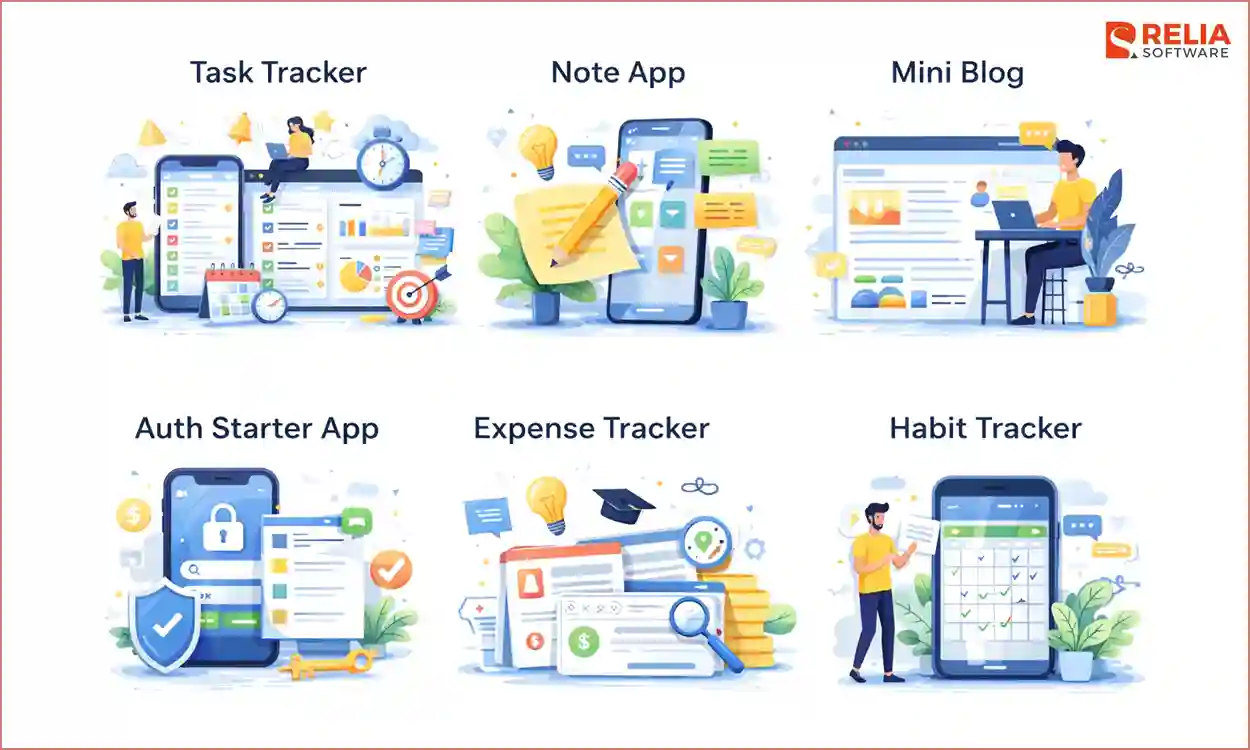
Task Tracker
This is one of the simple projects that can use MERN stack to build, showing how a real full-stack app works. This project requires developers to build basic CRUD routes, set up a basic MongoDB schema, and handle loading or error states in React. These skills are basics for later advanced features like login systems or live updates.
Core Features
- Add New Tasks: Users type a task, submit it, and see it saved and appear in the list right away.
- Mark as Complete: Users click a checkbox or button to mark a task as done, and the task updates with a visual change on the screen.
- Delete Tasks: Users click a delete icon to remove a task, which is deleted from the database and removed from the list.
- Filter Views: Users can view all tasks, only active tasks, or only completed tasks.
Skill Required
- Full-stack Development: Learn how to build software from the frontend to the server.
- CRUD Operations: Practice how to create, read, update, and delete tasks using API routes.
- Database Schema: Define what a task looks like in MongoDB using Mongoose.
- State Management: Use React to manage the task list so the screen updates when data changes.
- API Connection: Connect data between the front end and back end and handle responses.
Notes App
This project builds on the foundation of Task Tracker project and applies it to more data. You’ll use simple performance ideas, like waiting before sending search requests and writing cleaner queries, to keep the app fast as more notes. You should try this only after you are comfortable with basic API flows, because filters and queries can be confusing without a strong base.
Core Feature
- Real-Time Search: Users type keywords into a search bar and see results update instantly as the server returns matching notes smoothly.
- Tagging System: Users add tags like “Work” or “Personal” to notes, and clicking a tag filters the list to show only matching notes.
- Sort and Order: Users choose how notes are shown, such as by date or name, and the server sorts the data before sending it to reduce browser work.
Skill Required
- Debouncing Input: Reduce extra API calls and keeping the app responsive.
- Database Indexing: Help the database find matches without scanning every note.
- Advanced Querying: Use query parameters in the URL and handle them in Express to control how data is returned.
>> Read more: Mastering React Query: Simplify Your React Data Flow
Mini Blog
This project helps you know how data connects, such as linking a blog post with its comments. Instead of simple lists, you build pages that show related content together and load only the comments that belong to a specific post. It works well as a step between basic apps and more advanced systems, preparing you for login features by teaching how to use IDs and page routes correctly.
Core Feature
- Create and View Posts: Users write posts for the home page, and clicking a title opens a new page that loads the full post using its ID.
- Comment Section: Each post has a comment box where new comments are saved with the post ID and appear under the article right away.
- Categories: Users choose a category when creating a post, and clicking it shows only posts in that group.
Skill Required
- Data Relationships: Learn how related data is stored and linked in the database.
- Dynamic Routing: Learn how React Router handles pages with changing URLs like /post/:id, reads the ID from the address bar, and loads the correct post.
- Mongoose Population: Know how a built-in Mongoose feature loads a post and its comments together, reducing extra requests and keeping the code clean.
- Component Reuse: Able to build a post preview component and reuse it on different pages by passing in different data each time.
Auth Starter App
This project focuses on developing login and user access features that often affect the database, API routes, and which pages users can see, not just the screen layout. Adding this layer turns earlier apps into real software where tasks and notes belong to individual users. This project requires a strong foundation in basic coding and the core skills of a full-stack developer.
Core Feature
- Registration and Login: Users create an account with an email and password, then log in using the same details.
- Password Encryption: Passwords are saved in a scrambled form, not as plain text, to keep them safe.
- Protected Routes: Some pages are only for logged-in users, and guests are redirected to the login page if they try to open them.
- Persistent Session: Users stay logged in after refreshing the page by checking a saved login token in the browser.
Skill Required
- JSON Web Tokens (JWT): Practice JWT, a token is created when a user logs in and is sent with each request to prove who the user is.
- Express Middleware: Write a function checks each request and allows access only if the token is valid.
- React State Management: Store user information in one place using React Context so it can be used across the app.
- Security Basics: Passwords are changed into a safe format before saving, so they cannot be read even if the database is exposed.
Expense Tracker
Developers will work with totals, group expenses by category, and filter by date in this project, which requires logic and accuracy. Since expenses belong to specific users, having login and user IDs developed skill-ready from the start helps avoid rewriting reports later and lets link each expense to the right person from day one.
Core Feature
- Transaction Logging: Users add an expense with an amount, title, category, and date, and the amount is saved as a number so calculations work correctly.
- Visual Dashboard: Users see simple charts that show where money goes, such as which categories take up the most spending.
- Date Filtering: Users switch between views like recent days, the current month, or all time, and the app loads only expenses within the selected date range.
- Budget Limits: Users set a spending limit for a category. When spending goes over that limit, the app shows a clear warning on the screen.
Skill Required
- MongoDB Aggregation: Use the database to calculate, returning ready results instead of adding numbers in JavaScript.
- Data Visualisation: Learn how data must be shaped before it is shown on the screen.
- Date Handling: Able to handle dates carefully and avoid errors caused by time zone differences.
- React State Updates: Learn how to keep changes in sync. For example, one action, such as deleting an expense, updates several parts of the screen at once.
Habit Tracker
This project requires developers to know how to work with time-based data and rules like streaks. Unlike a to-do app, a habit tracker depends on when actions happen, not just whether they are done. The app will track daily check-ins, spot missed days, and reset streaks, which allows developers to think more carefully about dates, time zones, and when one day ends and the next begins.
Core Feature
- Habit Creation: Users create habits with a name and a start date.
- Daily Check-In: Users mark a habit as done for the day, and the app saves the check-in date.
- Streak Tracking: The app counts how many days in a row the habit was completed and resets the streak if a day is missed.
- History View: Users can see past check-ins to understand their habit patterns over time.
Skill Required
- Timezone Handling: Learn how to manage time zones by updating dates correctly for users in different places.
- Streak Logic: Able to build rules to count streaks by checking past dates in order and stopping when a day is missed.
- Scheduled Tasks: Set up tasks that run automatically at set times, such as resetting daily progress or sending reminders.
- Data Structure Choices: Decide how to store daily check-ins and learn how each choice affects speed and limits.
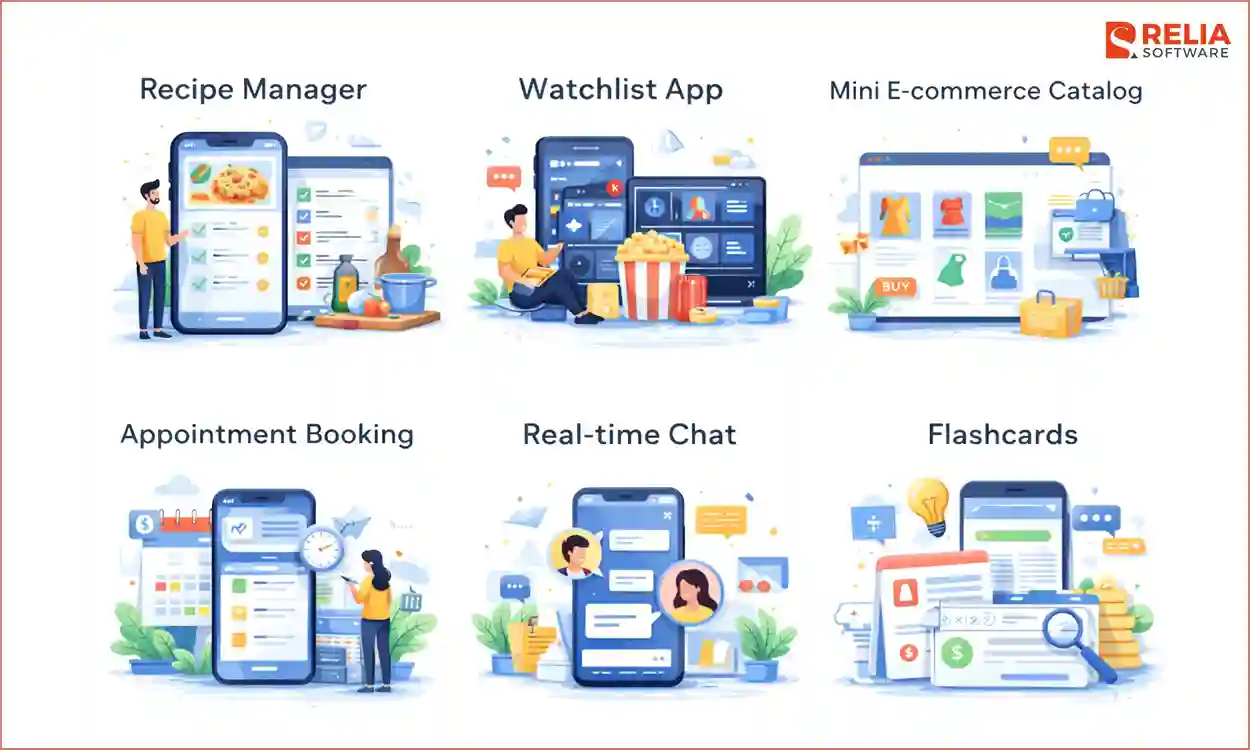
Flashcards
In quiz mode, this app moves through several steps, like showing a question, flipping the card, saving the result, and moving to the next one. This helps you explore how the screen changes based on user actions and practice developing clear UI states, since the main challenge is the quiz flow. It also requires standard CRUD and layouts development skills, as well as React skills.
Core Feature
- Deck Management: Users create decks, including cards; each card belongs to one deck, making everything easy to organise.
- Quiz Interface: The app shows one card at a time, lets users flip it to see the answer, and then moves to the next card until the deck is finished.
- Progress Summary: When the quiz ends, users see a results screen with their score and options to restart or shuffle the deck and try again.
- Visual Flip Effect: Cards flip with a simple animation instead of changing text instantly.
Skill Required
- Complex State Logic: Manage several values at once, learning how different pieces of state work together.
- CSS 3D Transforms: Able to use simple CSS rules to create smooth effects without extra libraries.
- Array Handling: Practice working with arrays before displaying the data.
- Conditional Rendering: Learn how to switch between page cards based on the current app state.
>> Read more: Mastering React Higher-Order Components (HOCs)
Recipe Manager
A recipe app includes images, ingredient lists, and step-by-step instructions, not just text. This project requires a foundation of how images and media are handled and how apps connect to cloud storage. The developers have to work with file uploads, longer forms, and clear input rules to keep data clean.
Core Feature
- Image Uploads: Users upload a photo, the app stores it in a cloud service, and saves only the image link in the database to keep the app fast.
- Dynamic Ingredient Lists: Users add ingredients one by one and edit or remove items before saving the recipe.
- Rich Filtering: Users search by ingredient, and the server checks multiple conditions to return matching recipes.
- Step-by-Step Instructions: Cooking steps are saved as an ordered list so they stay in the correct order, and users can reorder them if needed.
Skill Required
- File Data Handling: Learn how to accept file uploads instead of plain text by setting up the server to read files sent with the form.
- Cloud Storage Use: Learn how to use outside services and keep keys safe.
- Complex Form State: Help you learn how to update the right item inside a list without affecting others.
- Input Validation: Check user input on the server to prevent empty fields or invalid values from being saved.
Watchlist App
To develop this app, developers need to know how to handle unexpected data, such as slow responses, request limits, and errors in the backend, without breaking the app. The main focus is caching, saving data so you do not request the same information again, which keeps the app fast even when the external service is slow or unavailable.
Core Feature
- Mixed Movie Data: Movie details and personal info, like rating or watch status, are on one screen.
- Search with Cache: When users search, the app checks saved results first and shows them instantly, or fetches and saves new results if none are found.
- List Management: Users move movies between lists like “Plan to Watch” or “Completed”.
- Recommendations: Suggest movies based on what the user has already watched.
Skill Required
- Server-Side API Calls: Call the movie service from your Node.js server instead of the browser to keep the API key safe.
- Data Cleanup: Remove extra fields from the external data and keep only what the app needs.
- Caching Basics: Search results are saved for a short time so repeated searches load faster, then are refreshed later.
- Error Handling: Handle cases where the external service is slow or unavailable by showing a clear message and asking the user to try again later.
Mini E-commerce Catalogue
This project builds on basic cart logic in an e-commerce app, including adding items, changing quantities, and preventing users from buying out-of-stock products. There are no payments yet, so the goal is to keep totals correct and cart actions reliable. It is important to keep the scope small and focus only on how the cart works.
Core Feature
- Persistent Cart: Cart items are saved in the database, so users keep their cart when they log in again or switch devices.
- Stock Checks: The app checks stock each time a quantity changes and blocks items that are not available.
- Order Creation: When users check out, cart items are saved as an order and the cart is cleared.
- Live Totals: Prices update right away when quantities change, without reloading the page.
Skill Required
- Inventory Logic: Handle cases where two users try to buy the last item at the same time, allowing only one purchase and blocking the other.
- Data Modeling: Separate carts and orders. Carts can change, but orders are saved and never edited.
- Cart Item Updates: Update the quantity of one item in the cart without changing the others.
- Safe Transactions: Ensure key steps happen together, like reducing stock and saving an order, so nothing is saved if one step fails.
>> Read more:
- Successful E-commerce Website Design: Crucial Elements And Tips
- Big Data E-commerce: Definitions & Best Practices
Appointment Booking
This project focuses on backend logic, where rules matter more than just saving data. You make sure users cannot book the same time slot, so each appointment must be checked for conflicts before it is saved. Handling overlaps and time zones can be tricky, and progress may feel slower since most of the work happens behind the scenes, which requires strong backend skills.
Core Feature
- Availability Grid: Shows time slots based on open hours and marks booked slots as unavailable.
- Booking Validation: The server checks if a time slot is already taken before saving a booking.
- Dashboard Views: Users see and manage their own appointments, while the owner sees the full daily schedule.
- Buffer Times: Extra time is added after each appointment to prevent bookings from overlapping.
Skill Required
- Overlap Logic: Checks start and end times to prevent bookings from overlapping.
- Time Zone Handling: Times are saved in one standard format and converted to local time only when shown to users.
- Double Booking Control: Blocks duplicate bookings made at the same moment.
- Time Data Design: Choose how to store booking data and learn the trade-offs between speed and simplicity.
Real-time Chat
A chat app works differently from all the previous apps because the server can send messages at any time using React WebSockets. Messages can arrive, and users can receive and answer immediately. This requires an understanding of APIs and databases. With that knowledge, the problems are easier to handle, letting you focus on chat features like keeping the chat view stable and showing typing indicators.
Core Feature
- Instant Messaging: Messages appear on the other user’s screen right away without refreshing the page.
- Room Management: Users join chat rooms, and messages are shared only with people in the same room.
- Typing Indicators: When someone is typing, others see a message like “User is typing…”.
- Message History: Recent messages load from the database when the chat opens, so users can see past conversations.
Skill Required
- Event-Based Thinking: The app reacts to events like connect, send message, and disconnect instead of waiting for requests.
- WebSockets and REST Together: Live connections are used for chat, while normal API calls handle login and data loading.
- UI State Handling: Make the app stay smooth even when messages are sent slowly or fail due to network issues.
- Scroll Control: Make chat scroll down for new messages, but stay still when users are reading older ones.
>> Read more:
- 15 MEAN Stack Project Ideas for Beginners to Advanced Levels
- 9 Best Full-Stack Project Ideas for Beginners to Professionals
- Top 22 React Project Ideas For Developers of All Levels
- Top 15 Node.js Projects for Beginners and Professionals
Conclusion
Each MERN stack project in this article can give you a clear view of why things work and how to turn theory into real action. Now, you can better understand where this stack fits naturally. When a project relies on real-time feedback, structured data, and a strong connection between front-end and backend, MERN provides a clean and efficient way to build and maintain it.
Hope this article gives you a clear overview to decide whether the MERN stack suits your project or not.
>>> Follow and Contact Relia Software for more information!

- development
- web development