


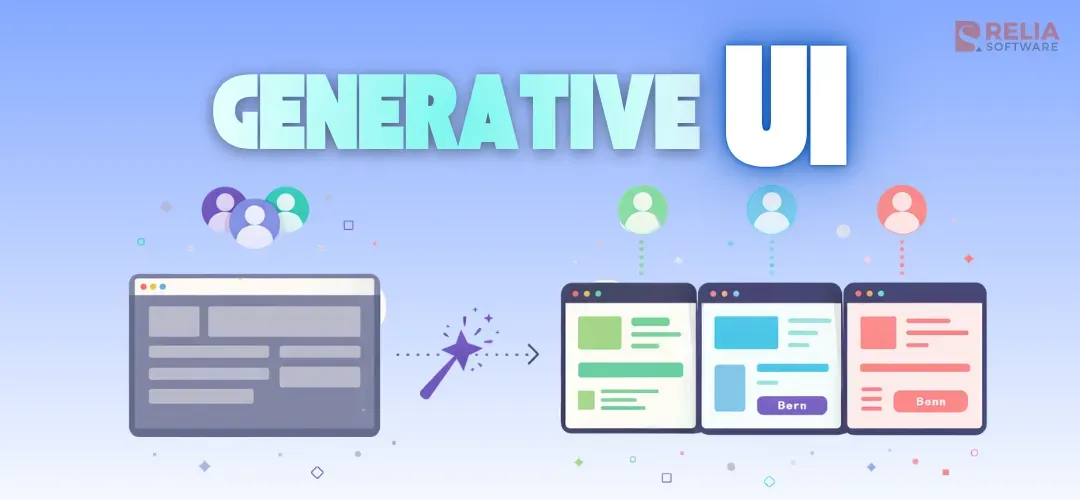
Generative UI is a type of user interface where AI can turn the response into something users can interact with directly, such as a form, chart, dashboard, card, or interactive panel. This is why generative UI is getting more attention as AI becomes part of real digital products, not just in the chatbot.
In this guide, we will give you a comprehensive guide about generative UI, including its definition, how it works, its main types, where it is used, and what businesses should consider before building it. The article also covers the benefits, risks, key building blocks, and the steps teams usually take to turn generative UI into a real product feature.
What Is Generative UI?
Generative UI (GenUI or Generative User Interface) is a modern design approach where digital interfaces, such as websites, apps, and software, are created or adapted in real-time by artificial intelligence (AI), often large language models, to fit a user’s specific needs, context, and intent, rather than being pre-designed by human designers.
Different from AI-assisted design, which only helps teams create screens during the design or development process, generative UI appears in the live product and becomes part of the experience that users interact with directly.
Generative UI vs Traditional UI: Key Differences
|
Aspect |
Generative UI |
Traditional UI |
|
Interface behavior |
Changes based on the user’s request, context, or task |
Follows fixed screens and predefined flows |
|
User experience |
More adaptive and task-focused |
More stable and predictable |
|
Response format |
Can show cards, forms, charts, panels, or guided flows |
Usually shows the same prepared layout every time |
|
Flexibility |
Higher flexibility |
Lower flexibility |
|
Control |
Needs more rules to keep the experience consistent |
Easier to control because the interface is fixed |
|
Testing |
Harder to test because outputs can vary |
Easier to test because screens are predefined |
|
Best use cases |
Complex tasks, changing user needs, data-heavy workflows |
Clear tasks, repeatable flows, stable product journeys |
|
Business value |
Helps products feel more helpful and responsive |
Helps products stay clear, consistent, and reliable |
|
Main challenge |
More effort in design, testing, and monitoring |
Less adaptive when user needs change |
|
Good fit for |
AI-powered support, recommendations, summaries, guided actions |
Standard dashboards, forms, settings, and repeat workflows |
In general, a generative UI design approach can adjust how information is shown based on the user’s request, context, and task, while traditional UI is built around fixed screens, fixed layouts, and fixed user flows. This means generative UI can respond more flexibly, making it more useful for changing or complex tasks, and traditional UI works better for stable and repeatable flows.
How Does Generative UI Work?
Generative UI starts when a user enters a prompt, asks a question, or begins a task in a product. The system reads that request, checks the available context and data, and then decides what kind of response will be most useful. Importantly, this system does not send all responses back as plain text; it can map the results to a fitting UI format.
On the frontend, the product shows the response as an interface that users can view and interact with, such as a simple card or a more interactive element with filters, actions, options, or next steps. As the user continues, the interface can update based on what they do, so the experience feels more flexible than a fixed page while still following the product’s design and rules.
The flow often looks like this:
- User starts to give a prompt, instruction, or task
- AI understands the request and checks the context
- The system gets or generates the needed data
- The product then shows the result in a fitting interface
- User interacts with that interface
- The system updates the experience as the task continues.
However, AI cannot create everything freely on its own. In most products, generative UI still works within set rules, components, and design limits so the experience stays clear, consistent, and safe.
Types of Generative UI
Generative UI can appear in different forms depending on how much freedom the system has and how much control the product team wants to keep.
Static Generative UI
Static generative UI lets the product team prepare a fixed set of interface components in advance, and the AI selects the one that best fits the user’s request. In this form, the UI is not created from scratch, so the experience stays more consistent, easier to test, and safer to manage. However, it gives less flexibility, so the experience may feel less adaptive in situations that do not fit the prepared components very well.
Shopify Sidekick is an example of this static generative UI type. It helps merchants complete tasks inside Shopify’s existing admin interface, such as working with store data and built-in workflows, instead of creating a new interface from scratch. This makes it a good example of static generative UI, where AI works within a fixed set of prepared UI elements.
Declarative generative UI
In declarative generative UI, developers still define the allowed components and rules in advance, but instead of only choosing one ready-made option, the AI can decide how those parts should be combined for the user’s request. This gives the AI more flexibility than static generative UI, while still keeping the interface consistent and easier to control.
A real-world example of this type is the Vercel AI SDK approach to generative UI. In this setup, the model can return structured output or tool results, and the frontend maps that output to UI components. The AI is not freely creating any interface it wants, but describes the response in a structured way, and the product decides how to render it.
Open-ended generative UI
Open-ended generative UI allows AI to generate much more of the interface itself instead of only selecting prepared components or following a tight structure. This type makes the user experience feel highly adaptive and more personalized to the user’s task. However, it is also harder to control, test, and manage, so it is often better for experiments or advanced AI products.
A real-world example is Google Research’s generative UI demo, where AI can generate interactive experiences such as web pages, games, and tools directly from a prompt. It shows how open-ended generative UI can create more flexible experiences, but also why this type is harder to control in real products.
Here is the table comparison between these 3 types:
|
Aspect |
Static Generative UI |
Declarative Generative UI |
Open-Ended Generative UI |
|
How it works |
AI selects from a fixed set of prepared UI components |
AI decides how the allowed UI parts should be combined |
AI generates much more of the interface itself |
|
Flexibility |
Low |
Medium |
High |
|
Control |
High |
Medium |
Low |
|
Consistency |
Strong |
Balanced |
Harder to keep |
|
Testing Difficulty |
Easy |
Moderate |
Hard |
|
Best fit |
Stable and repeatable tasks |
Tasks that need more flexibility with control |
Experiments or advanced AI products |
Real-World Use Cases of Generative UI
Customer Support and Self-Service
Instead of making users read long chat answers, generative UI can guide them with clearer steps, helpful actions, and a more interactive experience. This makes setup, troubleshooting, and account issues easier to follow.
E-commerce Product Discovery
For online shopping, generative UI can show product comparisons, filters, and recommendations in a format that is easier to scan, helping shoppers narrow choices faster and make decisions more easily. A good example is Shopify Sidekick, which helps merchants work inside the Shopify admin through existing workflows and UI elements, which makes it a real web-app example of a static generative UI approach.
Analytics and Decision Support
In data-heavy products, generative UI can turn user questions into summaries, charts, filters, or insight panels instead of plain text. This helps teams review information faster and take action more easily. An example of this case is Project Sophia, which Microsoft uses to show how complex data can be presented in a clearer and more interactive way.
User Onboarding and Setup
During onboarding, users may need step-by-step guidance instead of a general explanation. A more interactive interface can make setup easier, shorten the learning curve, and help users reach value sooner.
Enterprise Workflow Support
Business tasks such as reporting, approvals, planning, or operations often involve many steps and screens. A more adaptive interface can support the current task more directly and help users move through work more smoothly.
Education and Learning Experiences
Generative learning products can present lessons, quizzes, study paths, or feedback in a way that better matches what the learner needs at that moment. This can make the experience more engaging and easier to follow.
Internal Tools and Employee Assistance
Inside company systems, employees often need help finding data, completing requests, or handling repeated tasks. A more flexible interface can reduce manual work and make internal tools easier to use.
A real-world example for this case is Khanmigo from Khan Academy, which is positioned as an AI guide for learners and teachers rather than just a text chatbot, supporting more interactive learning experiences.
Benefits and Risks of Generative UI
Benefits
- Easier-to-use product experience: Generative UI can show AI output through forms, charts, cards, dashboards, or task panels instead of only text, which helps users understand information faster and take action more easily.
- Better support for different user needs: Generative UI can adapt the interface to the task, which is useful for workflows with many steps, large amounts of data, or different user goals.
- Stronger business value: When AI is built into the product flow in a more useful way, it can improve feature adoption, user satisfaction, engagement, and even conversion or retention.
- Clearer product differentiation: Generative UI can help a business offer a product experience that feels more useful and more advanced than competitors with standard interfaces, making the product outstanding in the market.
- More room for premium features: Businesses can use generative UI to create more advanced product experiences, such as smart dashboards, guided workflows, or AI-assisted analysis. These features can support premium plans, upselling, or higher-value service packages.
- Better internal efficiency: In internal systems, generative UI can reduce manual work by helping employees find information faster, complete tasks more easily, or move through workflows with less effort. This can save time and improve daily operations.
Challenges
- Harder to control and test: Because the interface can change based on context, generative UI is more difficult to manage, keep consistent, and test than fixed UI.
- Longer delivery planning: Generative UI usually needs more planning than a standard feature because it often involves product, design, engineering, QA, AI, and data teams. For businesses, this means longer coordination, more dependencies, and a higher chance of delays if the scope is not well controlled.
- Higher delivery cost for businesses: Businesses may need more design, development, testing, and monitoring effort before the feature is ready for real users, which increases the development cost.
- Unclear ROI risk: Generative UI may look impressive, but businesses can still spend time and budget on it without seeing clear returns. If the feature does not improve product adoption, retention, or revenue, the investment may be hard to justify.
- Governance pressure: Generative UI can raise more questions about what the system is allowed to show, what data it can use, and what actions it can support. Businesses need clear rules here to reduce risk and keep the product aligned with internal policies or customer expectations.
- Vendor or platform dependence: Some generative UI features rely heavily on outside AI models, frameworks, or providers. For businesses, this can create risk around cost changes, technical limits, product flexibility, or long-term control over the solution.
How to Build Generative UI Step by Step?
Step 1: Define The User Request
At this stage, teams should define the user’s intent, the expected input, the desired output, and the action the user should be able to take next. For example, does the user need to understand something faster, make a decision, complete a form, or move to the next step in a workflow? A clear task definition gives the rest of the system direction.
Step 2: Decide The UI Pattern
Once the task is clear, the next step is to choose the interface that best fits the user’s request. At this point, teams also decide how much freedom the AI should have. Some products use fixed components to keep the experience consistent and easier to test, while others allow more flexible combinations within a clear structure. The right choice depends on the task, the product, and how much control the team wants to keep.
Step 3: Create Tools and Schemas
After choosing the UI pattern, the system needs to set up tools that can fetch data, perform actions, or connect with other systems to create useful responses. Schemas are also needed to keep that output organized, so the application can understand it and show it correctly. In simple terms, tools help the system get the right information, and schemas help structure it.
Step 4: Map Tool Outputs to Components
Once the system can return structured data, the next step is to connect that output to the right interface components, such as showing product data in a comparison card, analytics data in a chart, or workflow data in a task panel. This mapping needs to be planned carefully so each type of output matches the right UI format, which helps keep the interface clear, consistent, and easier to maintain.
Step 5: Add State Handling and Retries
Generative UI often involves more than one interaction, so the system needs to remember what is happening as the user continues, such as selected options, previous answers, or the current step. The product also needs retry logic and fallback handling in case a tool fails, a request times out, or data does not load properly, so the experience stays stable and does not confuse the user.
Step 6: Add Safety Checks and Observability
Before the interface reaches users, the system needs safety checks to keep the output reliable and within the product’s rules, especially when it involves sensitive data, business actions, or customer-facing decisions. The system also needs observability, which means tracking logs, errors, tool activity, and user behavior so the team can monitor performance, understand problems, and improve the experience over time.
Step 7: Test with Real Prompts and Edge Cases
The final step is testing. Teams need to try real user prompts, follow-up questions, and edge cases such as unclear requests, missing data, failed tool calls, empty results, or incorrect input. A feature may work well in a demo but still fail in real use, so testing should make sure the interface stays useful and clear in less ideal situations too.
Core Building Blocks of Generative UI
- LLM or AI Agent: Understands the user’s request and decides what kind of response or interface is needed.
- Tools and Function Calling: Help the system fetch data, run actions, or connect with other systems so the response is based on real information.
- UI Schema or Component Registry: Defines the allowed interface parts, such as cards, forms, charts, or panels, that the system can use.
- Rendering Layer: This is the part of the frontend that turns the AI output into a visible interface for users.
- State and Session Memory: Helps the system remember the current task, user inputs, and previous steps so the experience can continue smoothly.
- Guardrails and Post-processing: Keep the output safe, clear, and aligned with the product’s rules before it reaches the user.
- Telemetry and Feedback Loops: Track how the interface performs and how users interact with it, so the product can be improved over time.
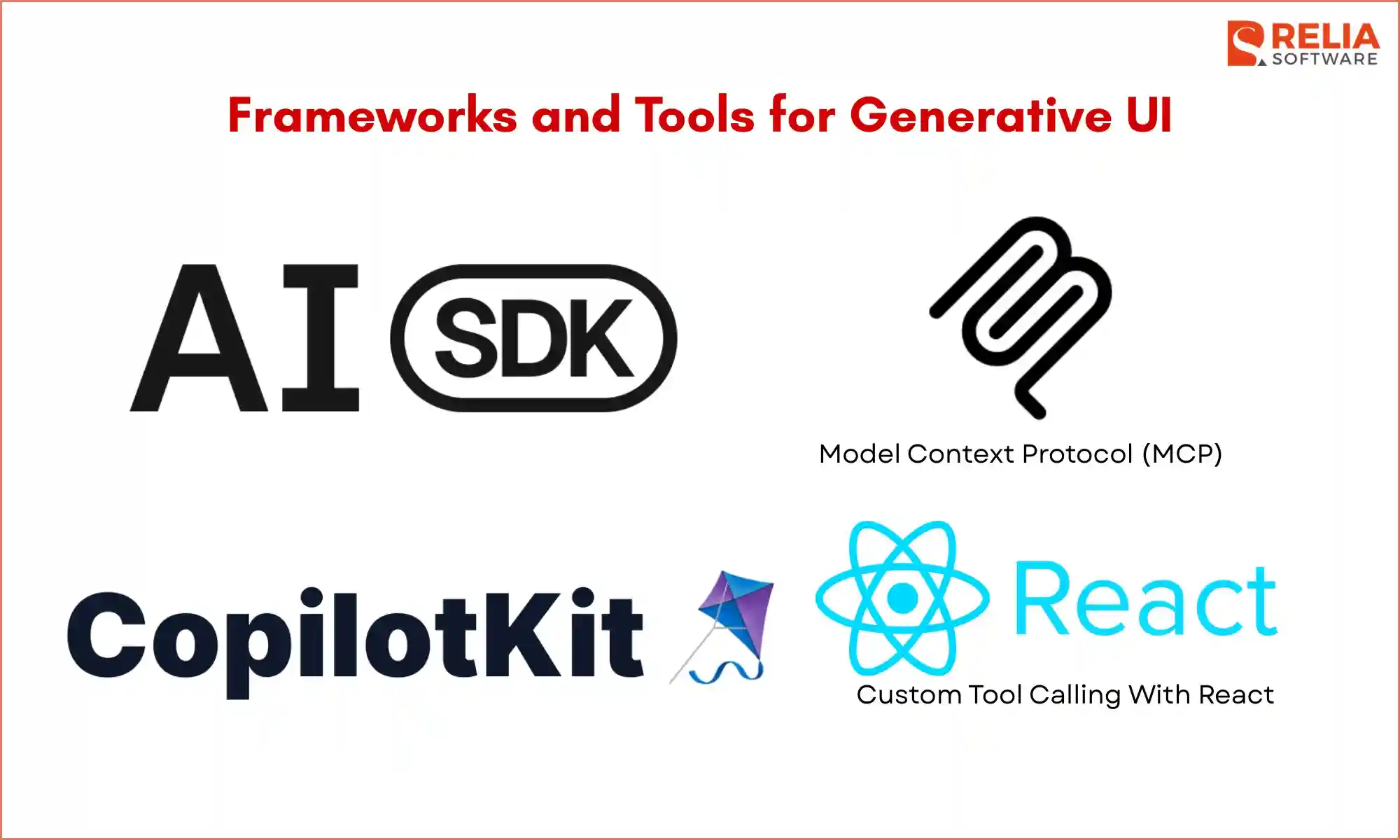
Frameworks and Tools for Generative UI
AI SDK
AI SDK is a practical choice for building generative UI because it supports tool calling, structured data, streaming, and rendering tool results into UI components. Its docs explain generative UI as connecting tool results to React components, which makes it useful for teams building AI features inside web products.
CopilotKit
CopilotKit is useful for teams that want to build agent-powered interfaces with a stronger focus on in-app copilots and interactive UI experiences. Its generative UI guide also helps explain different types of generative UI, which makes it helpful for both product thinking and implementation planning.
MCP is useful when a generative UI system needs a standard way to connect models with tools, data sources, and external systems. This can help teams build AI features that work across different tools and environments without creating a separate custom connection for each one.
Custom Tool Calling With React
Custom tool-calling logic with React approach gives more control over how tool results, structured outputs, and UI components are connected, which can be useful for products with very specific workflows or interface needs. AI SDK’s documentation shows this general pattern clearly through prompt, tool, and React component flow.
How Much Does Generative UI Cost to Build?
The cost of generative UI depends on how flexible the interface needs to be, how many systems it connects to, and how much control the business wants over quality and safety. Cost also increases when the product needs strong design support, custom backend logic, model integration, safety checks, and ongoing maintenance after launch.
For businesses, the most practical way to estimate cost is to think in levels rather than one fixed number. The cost for developing generative UI can be estimated in the table below.
|
Project level |
Typical scope |
Estimated cost range |
|
Basic |
1–2 use cases, static generative UI, limited tool calling, simple frontend mapping |
$25,000–$60,000 |
|
Mid-level |
Multiple use cases, declarative UI, structured outputs, stronger QA, and monitoring |
$60,000–$150,000 |
|
Advanced |
Open-ended or highly dynamic UI, complex workflows, multiple integrations, stronger safety, and observability |
$150,000–$350,000+ |
How Long Does It Take to Build A Generative UI For Your App?
The timeline for generative UI depends on the same factors as cost: scope, flexibility, integrations, and quality requirements. A simple proof of concept may be built quickly, around 2 weeks, but a production-ready feature usually takes up to 8 weeks because the team needs to improve stability, safety, consistency, and user experience.
That is why the timeline should be planned in stages instead of treating the whole effort as one single delivery.
|
Project stage |
Main work |
Estimated timeline |
|
Proof of concept |
Validate the use case, create the basic UI flow, connect the model, and set up the first tools |
2–4 weeks |
|
Pilot version |
Improve the UX, add structured outputs, connect more workflows, test with real prompts, and run a limited rollout |
4–8 weeks |
|
Production release |
Add full testing, monitoring, safety checks, edge-case handling, performance tuning, and rollout support |
8–16 weeks |
When Generative UI Is A Good Fit?
Businesses should use generative UI when:
- Their target users need more than a text answer, but a clearer way to view, compare, or act on information.
- Products with complex workflows, large amounts of data, many user paths, or tasks that change based on context.
- When the goal is to make AI part of the product experience itself, instead of adding it as a separate chat feature.
When Generative UI Is Not The Right Fit?
Generative UI may not be the right choice when:
- The task is simple, the flow is already clear, or a fixed interface can do the job well.
- Products that need very strict control, have limited design or engineering support, or are not ready to manage the extra work around testing, safety, and monitoring.
- The team is not ready for the added effort, such as more work in testing, safety checks, monitoring, and maintenance than standard UI patterns.
- The product still has basic UX problems. If the core product flow is already confusing, adding generative UI too early may create more issues instead of solving them.
Decision Framework To Make The Final Decision
Before moving forward with generative UI, businesses should review three areas: strategy, operations, and cost. The questions below can help teams decide whether the idea solves a real need and whether the business is ready to support it.
Strategic questions
- What business problem are we solving?
- Who benefits most from it?
- Is this a product feature, an internal tool, or a workflow layer?
Operational questions
- What systems and data does it need?
- What guardrails are required?
- What teams must be involved?
Financial questions
- What is the expected ROI?
- What costs will go into design, development, testing, and maintenance?
- How will we measure success?
FAQs
1. How is generative UI different from a chatbot?
A chatbot usually keeps the experience inside a text conversation. Generative UI goes further by showing AI output through usable interface elements that help users compare options, review information, or take action more easily.
2. How is generative UI different from traditional UI?
Traditional UI relies on fixed screens and predefined flows. Generative UI can respond more flexibly by showing a more fitting interface based on the user’s request, context, and data.
3. Is generative UI hard to build?
Generative UI usually takes more planning than a normal interface because teams need to handle tools, structured data, UI mapping, safety checks, and testing. The level of difficulty depends on how flexible the experience needs to be.
4. Can generative UI work in internal tools as well as customer-facing products?
Yes. Generative UI can support both internal tools and customer-facing products. It can help employees move through tasks more easily or help customers interact with products in a clearer and more useful way.
5. Is generative UI only useful for large companies?
No. Smaller businesses can also use generative UI if they have the right use case and enough support to build and manage it well. The key is to start with a task where a more adaptive interface creates clear value.
Conclusion
Generative UI is changing how digital products can respond to user needs by turning AI output into interfaces that are easier to understand and act on. For businesses, that can mean a better product experience, stronger use of AI inside the workflow, and more useful support for tasks that are hard to handle with fixed screens or text alone.
Remember, generative UI only works best when there is a clear user task, a real business need, and a team that can support the added work in design, development, testing, and control. When used in the right place, generative UI can help companies build digital products that feel more practical, responsive, and valuable for users.
>>> Follow and Contact Relia Software for more information!

- development