


Modern teams use CI/CD to release software quickly, but this automation also creates new security risks. A single insecure step, misconfigured script, or vulnerable dependency can move straight into production without being caught in time.
Therefore, to balance the development speed and the quality of the product, CI/CD security tools are used to prevent practical issues. In this article, we’ll explain about CI/CD security tools are, give you a list of free CI/CD security tools, and guide how to choose the right CI/CD security tools for your team.
What Are CI/CD Security Tools?
CI/CD security tools are tools used to automatically scan your pipeline for security issues, exposed secrets, risky dependencies, and rule violations early, preventing unsafe code before it reaches production.
Each CI/CD security tool focuses on a specific risk. Some scan code before it is built. Some check open-source libraries. Others detect leaked secrets or confirm that builds have not been changed. Together, these tools help teams keep their pipelines safe while still working fast.
>> Read more:
- What is Security Testing in Software Testing? Types & Examples
- A Complete Guide To Web Application Security for Businesses
Types of CI/CD Security Tools
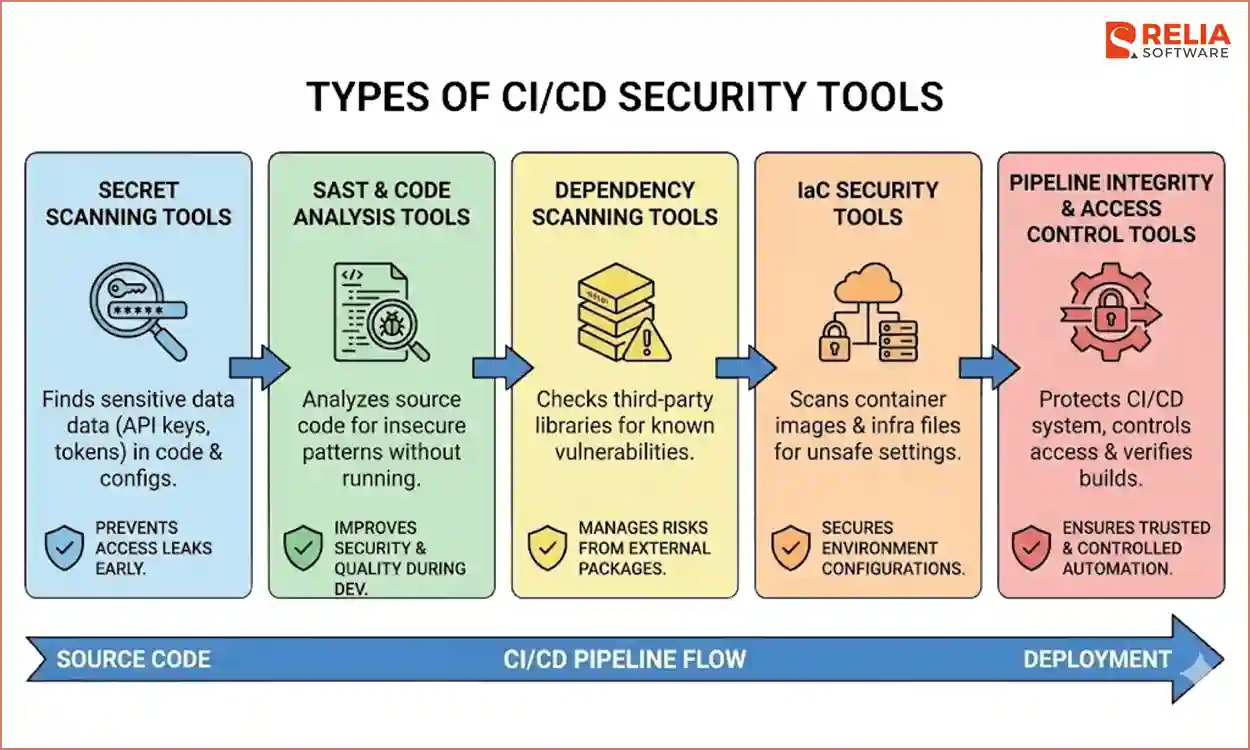
CI/CD security tools work best when they are grouped by the problem they solve. This helps teams avoid using too many tools for the same problem while missing other important risks.
Secret Scanning Tools
Secrets scanning tools look for sensitive data such as API keys, passwords, and access tokens inside code and configuration files. These secrets often appear by mistake in source code, configuration files, environment variables, or build logs. These tools are usually used very early in the CI/CD pipeline, sometimes even before code is committed, to stop secrets from entering shared repositories or build systems.
Secret scanning tools are important because leaked credentials can give attackers direct access. Once a secret is pushed to a public or shared repository, it is hard to control who sees it. Finding and blocking them early is one of the easiest ways to reduce risk in CI/CD.
>> Read more: Top 10 Full-Fledged Configuration Management Tools For Developers
SAST & Code Analysis Tools
SAST tools analyze source code to identify insecure patterns without running the application, helping to improve security and code quality. They are commonly used during code review or development stages and help teams catch issues while the code is still easy to fix. Instead of reacting after deployment, problems can be found when developers are still working on the change.
Dependency Scanning Tools
Dependency scanning tools check open-source libraries for known vulnerabilities. These tools usually run when dependencies are installed or when builds are created. Some also generate a Software Bill of Materials (SBOM), which is a list of all components used in an application.
Dependency scanning is important because teams do not write most of their code from scratch. Risks often come from third-party packages that are outdated or poorly maintained. Without scanning, these risks remain hidden. These tools help teams understand what they are shipping and avoid using outdated or vulnerable packages.
IaC Security Tools
Infrastructure as Code (IaC) security tools focus on how applications are packaged and deployed. They scan container images and infrastructure files to find unsafe settings or risky permissions. These tools are usually used during the development and deployment stages, catching issues like open network access, excessive permissions, or insecure base images.
What makes these tools important is their focus on environment-level risk. Even safe application code can become unsafe if it runs in a poorly configured environment.
>> Read more:
- An In-depth Guide Of Infrastructure as Code For Businesses
- 19 Popular Infrastructure as Code (IaC) Tools For Businesses
Pipeline Integrity & Access Control Tools
Pipeline integrity tools protect the CI/CD system itself. They control who can change pipelines, what commands are allowed to run, and how builds are verified. These tools are used to prevent unauthorized changes to pipeline files or development stages. They also limit access so jobs only have the permissions they need.
This category is often overlooked, but it is critical. If attackers control the pipeline, they control everything that flows through it. Pipeline security tools matter because they protect trust, ensuring that automation remains predictable, controlled, and safe.
Best CI/CD Security Tools List
Tools | Primary Purpose | Security Focus | CI/CD Integration Stage |
Snyk | Detect vulnerabilities | Dependency & container scanning | Build & Test |
SonarQube | Code quality & security analysis | Code review | Code commit & Build |
TruffleHog | Detect secrets in code | Secrets scanning | Code commit |
OWASP ZAP | Web app scanning | API scanning | Test |
OpenVAS | Vulnerability assessment | Network & host vulnerabilities | Post-deploy / periodic |
Arachni | Web app security scanning | Dynamic application security testing (DAST) | Test |
Jenkins Plugins | Extend Jenkins with security checks | Varies by plugin (SAST/DAST/etc) | Throughout pipeline |
Argo CD | GitOps CD | Deployment security & policy enforcement | Deploy |
Harden-Runner | Security audit runner | Policy checks | Build & Test |
Chef InSpec | Compliance & policy testing | Compliance as code | Test & Deploy |
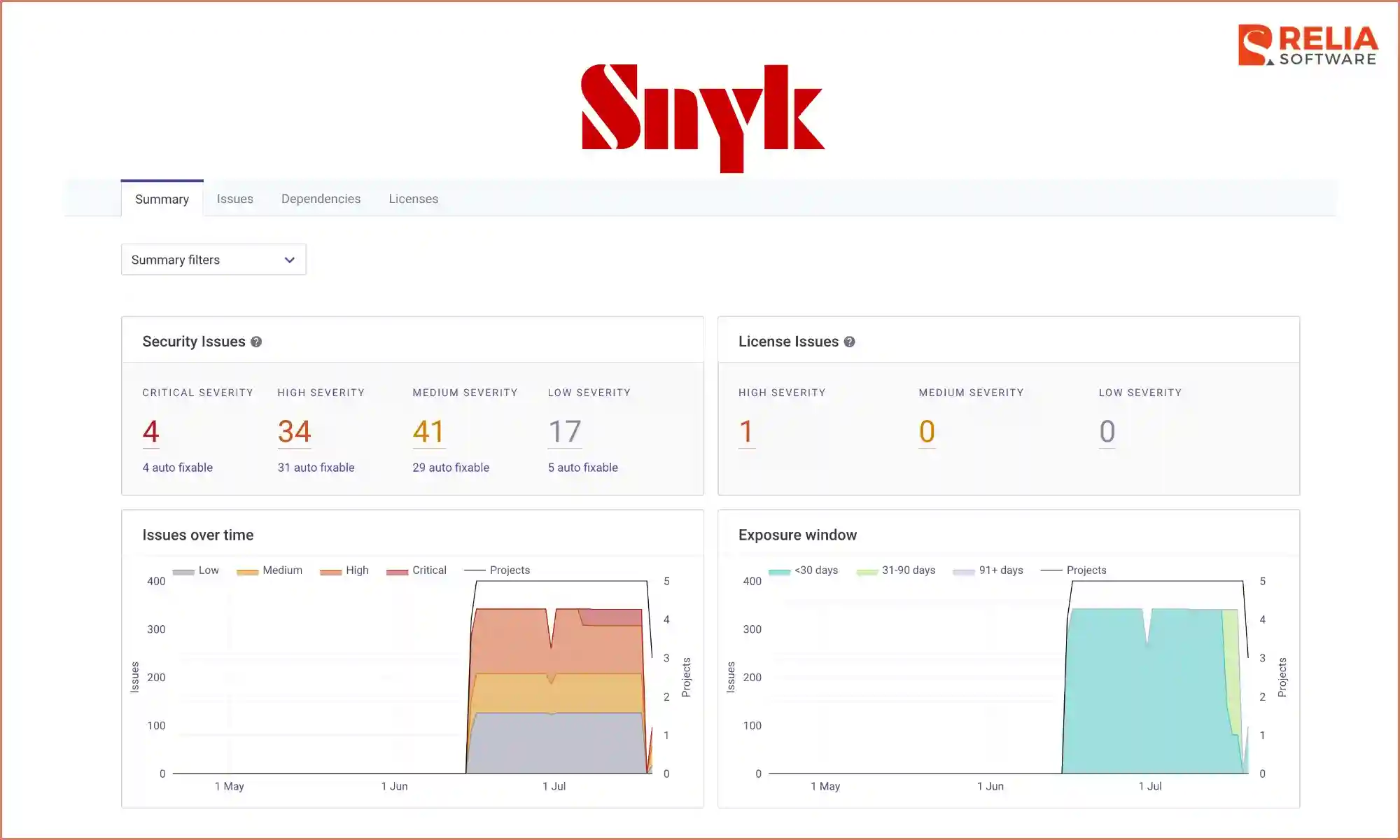
Snyk
Snyk is a security tool that helps developers find problems in open-source libraries, containers, and infrastructure code. It is usually used early in the CI/CD pipeline, right after new dependencies are added, so issues are found before the build continues.
Key feature
- Developer-first vulnerability scanning: Detects issues early and explains them in simple terms for developers.
- Automated fix pull requests: Creates ready-to-merge PRs to upgrade vulnerable dependencies.
- Open-source dependency graph: Tracks transitive dependencies that others often miss.
- IDE & CI/CD native integration: Finds issues while developers write code, not just in pipelines.
SonarQube
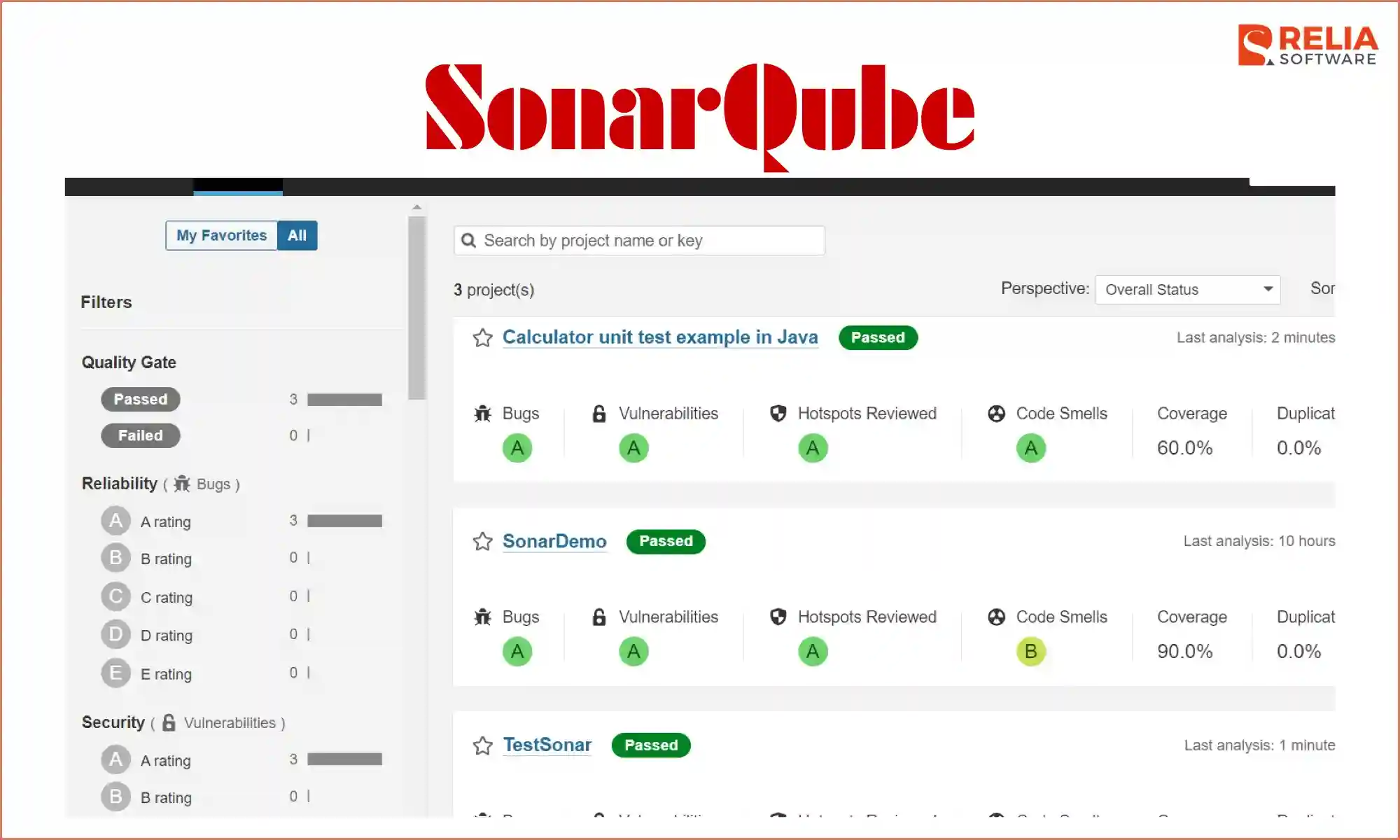
SonarQube is a tool that scans source code to find security issues, bugs, and code problems. It is commonly used during code review and development steps, before changes are merged into the main branches. Its key strength is combining security findings with code quality insights, helping teams improve security without ignoring long-term code health.
Key features
- Quality gates for security: Blocks builds when new security issues are introduced.
- New-code security focus: Prioritizes vulnerabilities added in recent commits.
- Language-wide rule engine: Applies consistent security rules across many programming languages.
- Improve security & code quality in one scan: Reduces tool sprawl by combining both checks.
TruffleHog
TruffleHog is a secrets-scanning tool that searches code repositories to find exposed secrets like API keys and access tokens. It is most useful at commit time or early in CI pipelines to stop sensitive data from being pushed through the system. TruffleHog stands out for its accuracy in detecting real secrets rather than simple keyword matches, which helps reduce false positives.
Key features
- Entropy-based secret detection: Identifies real secrets and issues instead of simple pattern matches.
- Full Git history scanning: Finds secrets leaked in old commits, not just current code.
- Verified credential checks: Confirm whether detected secrets are actually valid.
- Lightweight CI execution: Runs fast without slowing pipelines.
OWASP ZAP
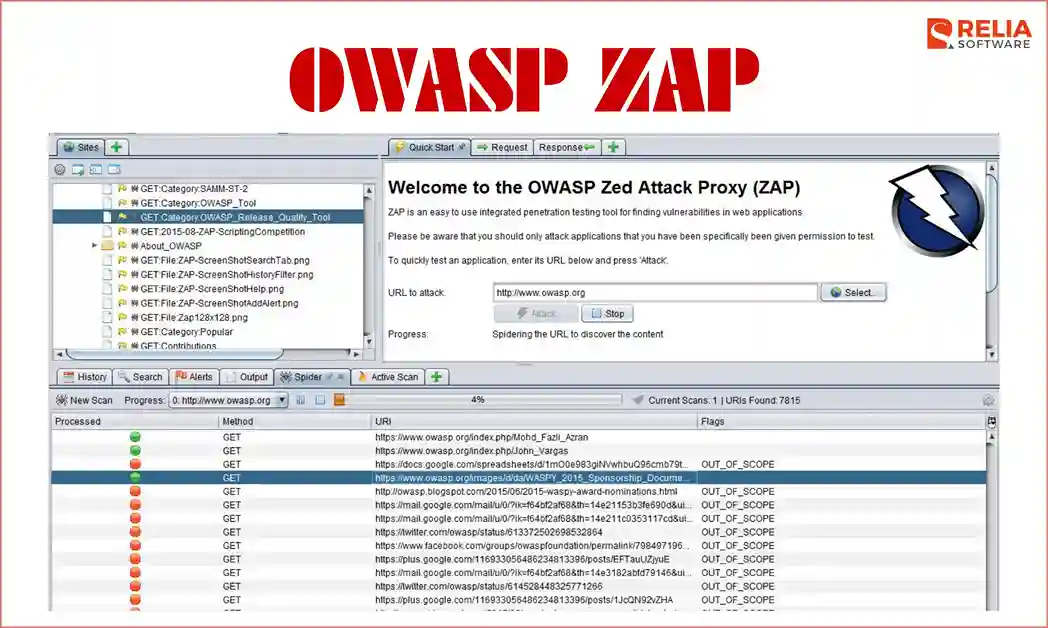
OWASP ZAP is a dynamic security testing tool used to find vulnerabilities in running web applications and APIs. It is typically used during testing or staging environments, where the application can be scanned while it is live. Its main advantage is being one of the most trusted open-source DAST tools, backed by the OWASP community and widely used in security testing workflows.
Key features
- Web and API vulnerability detection: Actively scans live web apps and APIs to find real security flaws like XSS, SQL injection, and broken authentication before deployment.
- Automated DAST scanning: Tests running applications for real exploit paths.
- Passive security analysis: Detects issues without actively attacking the app.
- CI-friendly headless mode: Enables security testing without manual setup.
>> Read more: Top 12 API Testing Tools for Software Testing Process
OpenVAS
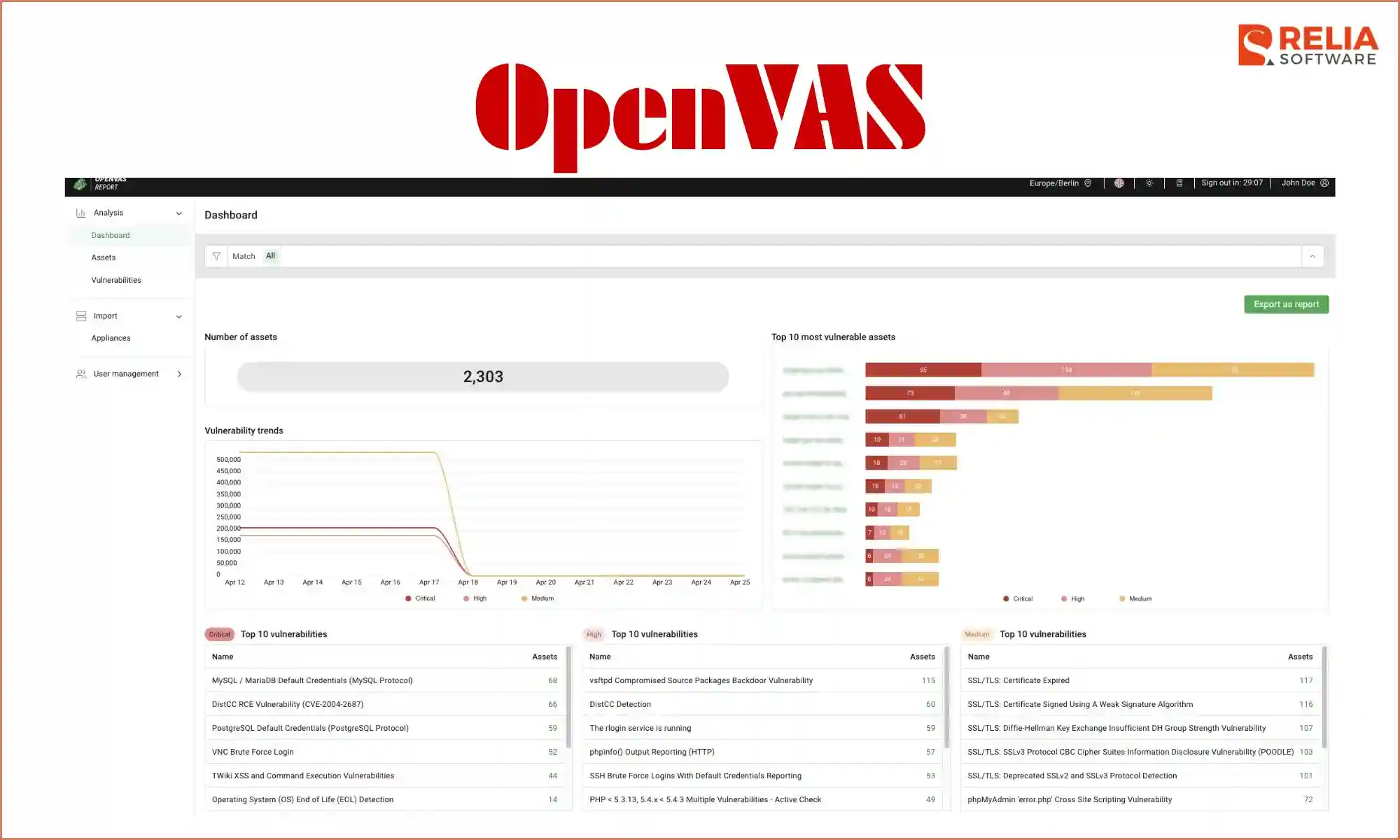
OpenVAS is a network and system vulnerability scanner that identifies known security issues in servers and infrastructure. It is best used after deployment or as part of regular security audits rather than during code builds. What makes OpenVAS different is its strong focus on infrastructure-level risks, which many CI/CD tools do not cover.
Key features
- Comprehensive network scanning: Detects vulnerabilities across servers, ports, and services.
- Continuously updated vulnerability feeds: Keeps scans aligned with new threats.
- Risk-based severity scoring: Helps teams prioritize the most dangerous issues.
- Enterprise-scale scanning: Handles large infrastructures efficiently.
Arachni
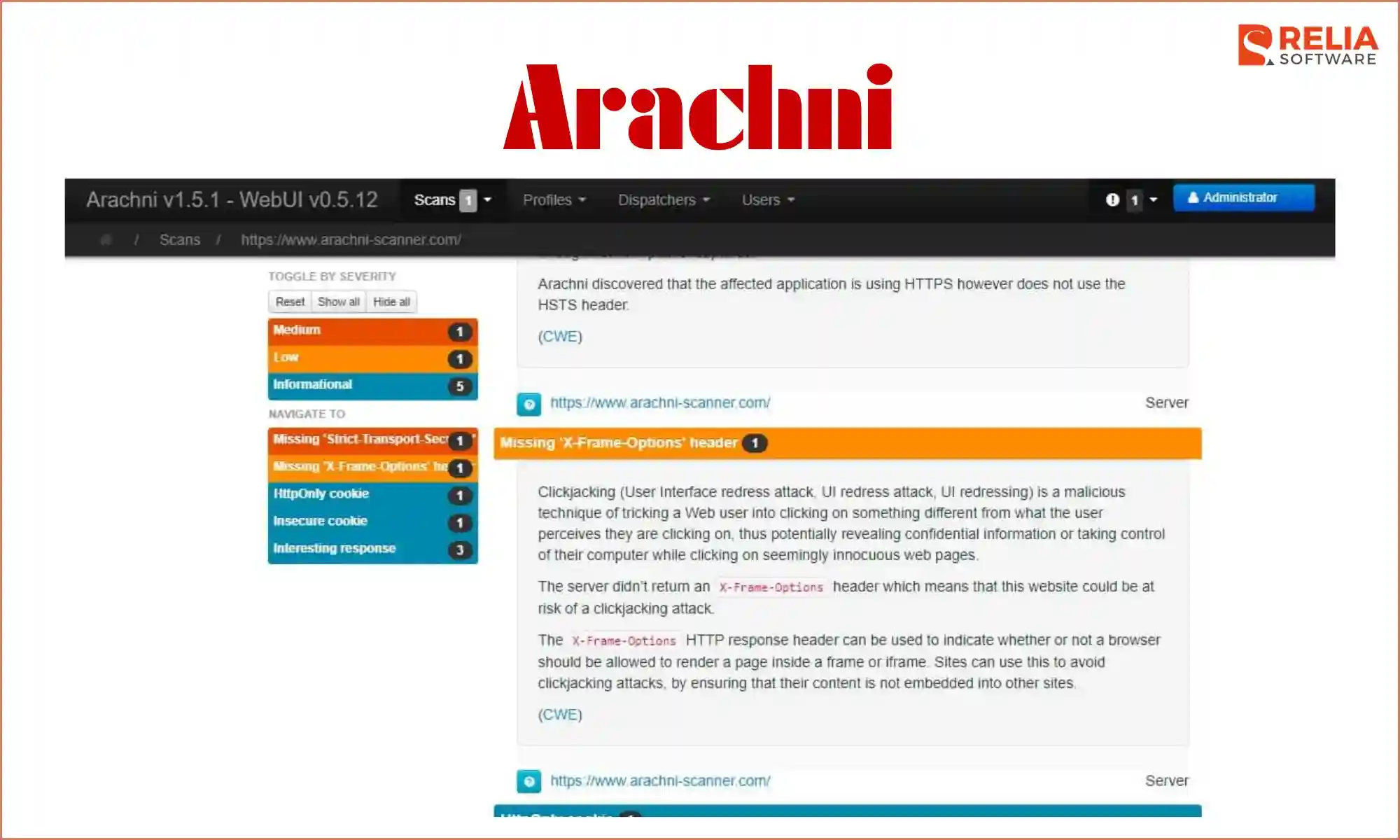
Arachni is a web application security tool designed to detect common web vulnerabilities in live applications. It is often used during automated testing phases of CI/CD pipelines. Arachni stands out for its modular design and scalability, making it suitable for scanning large or complex web applications.
Key features
- High-coverage web crawling: Discovers hidden endpoints that many scanners often miss.
- Modular vulnerability plugins: Enable focused scans on vulnerability instead of noisy full scans.
- Asynchronous scanning engine: Improves speed without sacrificing depth.
- Scriptable scan workflows: Allows advanced customization for complex apps.
Jenkins Plugins
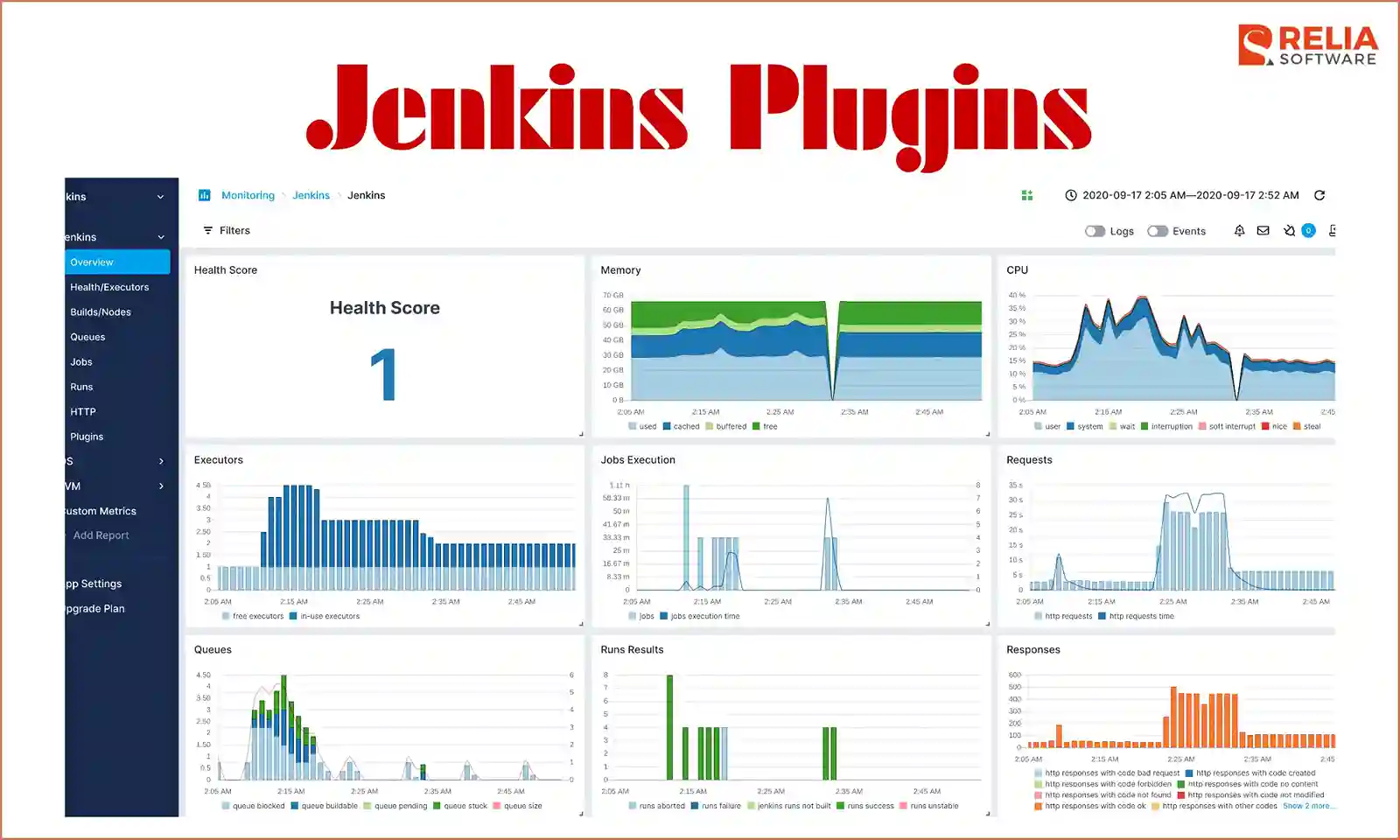
Jenkins plugins are extensions that add security checks directly into Jenkins pipelines. They are used whenever teams want security scanning to run automatically alongside development and testing stages. Their main advantage is flexibility; teams can choose and combine different security plugins based on their pipeline needs instead of relying on a single tool.
Key features
- Pipeline-native security checks: Runs scans as part of existing CI workflows.
- Build-blocking enforcement: Stops deployments when security rules fail.
- Tool-agnostic integration: Supports multiple security scanners in one pipeline
- Granular stage-level control: Applies different checks at different pipeline stages.
Argo CD
Argo CD is a GitOps-based continuous delivery tool for Kubernetes that helps manage deployments securely and consistently. It is used at the deployment stage to ensure that what runs in production matches what is defined in Git. This tool treats Git as the single source of truth, which improves auditability and reduces deployment security risks.
Key features
- Git-based deployment control: Prevents unauthorized changes outside version control.
- Continuous drift detection: Detects and reports config changes that bypass Git.
- Automated rollback: Quickly restores known secure application states.
- Declarative security policies: Enforce security through versioned configs.
>> Read more: Top 9 Best DevOps Deployment Tools for Businesses
Harden-Runner
Harden-Runner is a CI/CD security tool that runs security and policy checks inside build runners. It is best used during build and test stages to verify that runners and environments follow security rules. Its key strength is focusing on the security of the CI/CD environment itself, an area often overlooked by other tools.
Key features
- CI-level hardening checks: Validate system security before code is deployed.
- Security baseline enforcement: Ensures environments meet hardening standards.
- Policy-driven execution: Applies security rules consistently across pipelines.
- Minimal setup footprint: Easy to adopt without complex infrastructure changes.
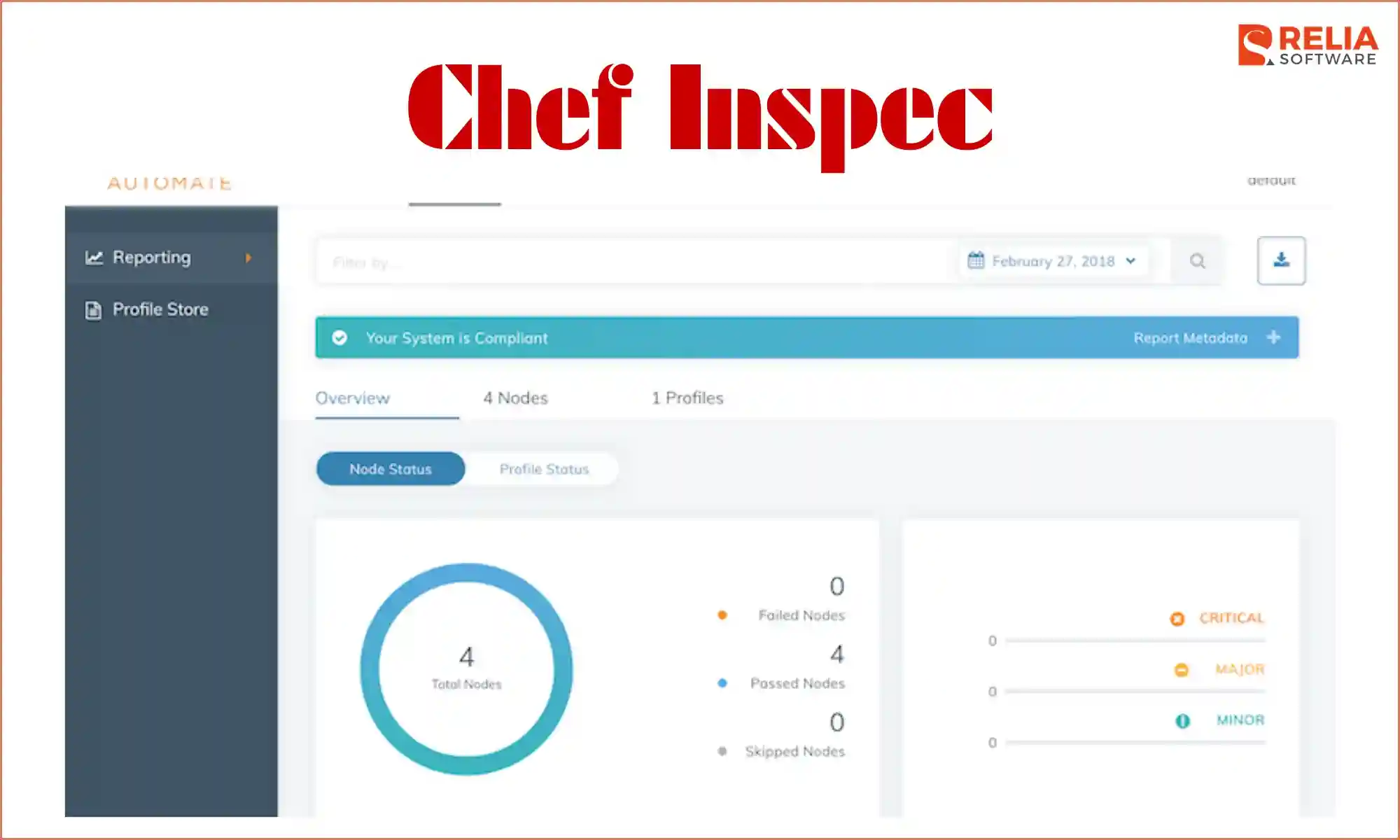
Chef Inspec
Chef InSpec is a tool used to test security and compliance rules on systems and infrastructure. Teams write these rules as code and use them to check whether servers, cloud resources, or containers are set up correctly. It is often used during testing and deployment to make sure systems follow required security and compliance standards before launching.
Key features
- Compliance as code: Defines security rules in readable, version-controlled tests.
- Built-in regulatory profiles: Supports standards like CIS, PCI-DSS, and SOC 2.
- Cross-platform validation: Works across cloud, containers, and bare metal.
- Automated audit reporting: Produces clear compliance results for teams and auditors.
>> Read more: Top 14 Best Data Security Software For Your Businesses
How to Choose the Right CI/CD Security Tools for Your Team?
There is no single “best” CI/CD security tool that works for every team. The right choice depends on your team and systems. Below are the key factors that help teams make a practical and realistic decision.
- Team size and skill level: Small teams usually need tools that are easy to set up and easy to understand. Larger teams can handle more advanced tools, but clear results and simple outputs still matter.
- Cloud-based or on-prem systems: Choose tools that fit where your CI/CD pipeline runs. Cloud pipelines work best with cloud-friendly tools, while on-prem setups often need tools that run fully inside your network.
- Compliance and security needs: If your team must follow security or audit rules, pick tools that support clear reports, access control, and repeatable checks. Teams without strict rules can focus more on speed and early detection.
- Tool overlap in the pipeline: Avoid using multiple tools that scan the same thing. Each tool should cover a clear risk so builds stay fast and results stay easy to understand.
- Fit over popularity: Popular tools are not always the right choice. The best tools are the ones that match your pipeline, your team, and your real security risks.
Conclusion
CI/CD security tools help teams keep control over automated pipelines without slowing down development. Each type of tool focuses on a specific risk, such as leaked secrets, unsafe code, vulnerable dependencies, or unauthorized pipeline changes.
The key is not to use every tool available, but to choose the ones that match your pipeline, team size, and security needs. When used with a clear purpose, CI/CD security tools support safe and reliable releases instead of getting in the way.
>>> Follow and Contact Relia Software for more information!

- development
- web development