



More businesses always look for better ways to stand out in a competitive market; they need to be more creative in how they use technology to deliver value. Innovative web apps help startups improve processes, reach users more effectively, and respond quickly to changing demands. Rather than copying existing products, businesses now focus on building web apps that solve specific problems in smarter and more practical ways.
In this article, we explore innovative web app ideas for startups, covering areas such as productivity, learning, fitness, and customer management. These ideas focus on real-world use cases and show how thoughtful web app design can help businesses compete and grow.
>> Read more: 9 Best Full-Stack Project Ideas for Beginners to Professionals
Auto-Scaling Todo Web App
This Todo web app runs in the cloud and is designed to handle changing levels of user activity throughout the day. When traffic increases, the system adds more app instances in the background; when usage drops, it reduces them to save resources. Here, Nginx handles incoming requests and distributes traffic efficiently, helping the app remain stable and accessible even during peak usage.
Technology Used: Node.js, Redis, Nginx, cloud auto-scaling infrastructure, etc.
Key Features:
- Add, edit, complete, and delete tasks through a simple web interface.
- Automatically adjusts capacity based on real user traffic.
- Nginx routes requests to available app instances to avoid overload.
- The web app continues working even if one instance fails.
- Designed to run smoothly in modern cloud environments.
- The system uses only the resources needed at any given time.
How does it work?
- A user opens the Todo app
- Their request goes to Nginx
- Nginx sends it to one Todo app copy
- Many users arrive at once
- The system creates more Todo app copies
- Nginx starts sending users to the new copies
- Traffic drops later
- Extra copies are removed automatically
>> Read more: Top 15 Node.js Projects for Beginners and Professionals
Housing Market Web App
This app is designed to improve how users search for and evaluate homes online. The app applies AI to reduce search friction and help users find relevant properties faster, while AR/VR is used to improve decision-making by letting users experience homes remotely. Instead of scrolling too long, users can easily get helpful recommendations and virtual previews that support faster decisions.
Technology Used: AI services, AR/VR (Web-based), Map & location APIs, etc.
Key Features:
- AI-powered natural search without complex filters.
- Suggests suitable properties based on user preferences and behavior.
- Listings are ranked by relevance, not just price or location.
- VR technology lets users explore a home online before visiting it in person.
- AR space visualization lets users see how furniture fits in a room using their phone.
- Local neighborhood details help users make better comparisons.
How does it work?
- User opens the housing web app
- They describe what they want in simple words
- AI understands and suggests suitable homes
- User opens a listing
- They take a virtual tour
- They shortlist homes faster and with more confidence
- Fewer physical visits, better decisions
>> Read more: Guide To AR & VR App Development For Businesses
Study Finder Web App
Study Finder web app is designed to improve the learning experience by combining peer-to-peer interaction with intelligent AI support. It helps students connect with nearby peers for collaborative study sessions while ensuring continuous learning assistance through an AI tutor when human support is unavailable. As a result, the app makes learning more engaging and easier to keep up with.
Technology Used: Artificial Intelligence (AI), cloud backend (Terraform), etc.
Key Features:
- Connects students for study sessions, mock interviews, and discussions.
- Lets students study together through chat and video calls.
- Support is available with AI even when no peers are online.
- Allows students to follow and stay connected with peers.
- Shows who is active and engaged to help find reliable study partners.
How does it work?
- Students join the app and set up a simple profile.
- The app helps them find nearby students or people studying similar topics.
- They can study together using chat or video.
- If no one is available, the AI tutor helps answer questions.
- Students can follow each other and study together again later.
>> Read more: 19 Interesting AI App Ideas by Industry
Private Desktop Journal App
This project is a desktop journal application designed for people who want a private, reliable space to write and reflect on their daily thoughts. The app can work without internet connection, ensuring that journal entries remain accessible and under the user’s control at all times. It stays simple and distraction-free, making it easy to build a long-term journaling habit on Windows, macOS, or Linux.
Technology Used: Electron, TypeScript, local storage, etc.
Key Features:
- Users are able to write and read entries without the internet.
- Private local storage on the user’s device.
- Quickly find past entries by keyword, date, or tags.
- Allows text, images, and simple attachments.
- A clean layout makes journaling easy to keep up.
- Works consistently across major operating systems.
How does it work?
- The user installs the app on their computer.
- They open it and write journal entries anytime, even offline.
- Entries are saved directly on the computer.
- Users can add photos or tags to their notes.
- Old entries can be searched easily.
Testimonial Board
This testimonial management web app helps businesses collect, organize, and present customer feedback in a more engaging way. Instead of storing testimonials as plain text, the app automatically turns approved testimonials into clean, visual cards that match the brand’s style. This makes it easier for businesses to build trust and share customer feedback across their website and marketing channels.
Technology Used: AI-powered text & visual generation, embeddable widgets, CDN-based media delivery, Docker, Kubernetes, Nginx, etc.
Key Features:
- Collects customer feedback from forms or submissions.
- Turns testimonials into clean, branded visual cards.
- Customize colors, layouts, and text styles.
- Show testimonials on websites, landing pages, or social media.
How does it work?
- Customers submit testimonials through a form.
- All testimonials appear in one place for review.
- Approved testimonials are turned into visual cards automatically.
- The team publishes them with one click.
- The visuals can be used on websites or social media.
Trainer & Gym Review Platform
This project is a fitness review web app that helps people find reliable trainers and gyms based on real user feedback. Users can read honest reviews, see experiences from others, and compare options before making a decision. The platform focuses on trust and transparency, making it easier for users to choose trainers or gyms that fit their goals and expectations.
Technology Used: Geo-enabled database (PostGIS), booking-based verification logic, QR/location check-ins, etc.
Key Features:
- Clear profiles with location, services, and basic details.
- Real feedback from people who trained there.
- Find trainers or gyms by location, price, or training type.
- Helps reduce fake or misleading feedback.
- Reviews reflect real experiences, not marketing claims.
- Easy to use on any device through a browser.
How does it work?
- Users search for trainers or gyms by location or category.
- Each trainer or gym has a profile with basic information and reviews.
- Users read feedback from real clients about training quality and experience.
- After using a service, users can leave their own review and rating.
- Over time, profiles become more accurate as more reviews are added.
Concept Explainer App
Concept Explainer is an AI-powered application designed to break topics down into easy-to-follow ideas using plain language and examples. When students feel stuck for any ideas, they can ask questions and get explanations in detail immediately. It helps learners understand difficult concepts simply and clearly, making learning less stressful and more approachable.
Technology Used: AI / LLM (OpenAI API), context storage (Redis), etc.
Key Features:
- Breaks complex ideas into easy, everyday language.
- Adjusts explanations based on user feedback.
- Explains concepts gradually instead of all at once.
- Easy to use on any device through a browser.
How does it work?
- User enters a topic or concept they don’t understand.
- The app explains the concept in simple terms.
- If the explanation is still unclear, the user can ask follow-up questions.
- The app adjusts the explanation style based on the user’s feedback.
- Users can revisit explanations anytime for review.
Writing Improvement Tool for Students
This project supports students in strengthening their writing step by step, helping them understand how to write better. It offers natural, real-time suggestions on structure, clarity, and tone, so learners can revise with confidence and learn from every draft.
To make the app more advanced, add a feature to make AI text more human with clearer phrasing and a more consistent voice. This is especially useful for learners who use AI to brainstorm or draft
Technology Used: Redis, OpenAI API, structured AI feedback prompts, etc.
Key Features:
- Points out unclear sentences and awkward phrasing.
- Helps improve paragraph flow and organization.
- Ensures writing is easy to understand and appropriate.
- Explains why something should be improved.
- Works on any device through a browser.
How does it work?
- The student pastes their writing into the app.
- The app reviews the text and highlights areas that need improvement.
- Suggestions are given for clarity, sentence flow, and structure.
- The student revises the text based on the feedback.
- Over time, students learn common mistakes and improve their writing skills.
>> Read more: 16 App Ideas For Students, Parents and Education Industry
Meeting Notes & Action Tracker
This productivity web app helps teams turn meeting discussions into clear action items. The app captures key points and automatically highlights what needs to be done next, preventing leaving meetings with scattered notes or forgotten tasks. Keeping notes and actions in one place helps teams stay aligned and follow through after every meeting.
Technology Used: Next.js, Node.js, PostgreSQL, Redis, and OpenAI API.
Key Features:
- Keeps all meeting notes organized in one place.
- Highlights tasks and follow-ups automatically.
- Tracks who is responsible and what’s completed.
- Past meetings and decisions are easy to review.
- Works well for individuals and small teams.
How does it work?
- A user writes or pastes meeting notes into the app.
- The app identifies key decisions and action items.
- Tasks are created and linked directly to the meeting notes.
- Each task can be assigned, tracked, and marked as done.
- Users can revisit past meetings to see notes and progress.
>> Read more: 10+ JavaScript Project Ideas for Beginners to Advanced Coders
Simple CRM for Small Enterprises
This project is a CRM web app designed for small teams that want an easy way to manage leads and customer relationships. The app keeps things simple by focusing on essential tasks such as tracking contacts, logging conversations, and managing follow-ups. With a clear and uncluttered interface, it helps teams stay organized, communicate better, and respond quickly as their business grows.
Technology Used: Database (PostgreSQL), cloud deployment, etc.
Key Features:
- Store leads and customer details in one place.
- Keep track of calls, emails, and meetings.
- See where each lead stands in the sales process.
- Helps teams respond on time.
- Everyone sees the same up-to-date information.
How does it work?
- Team members add leads or customers to the system.
- Each contact has a simple profile with notes and activity history.
- Users log calls, emails, or meetings in one place.
- Follow-up tasks are created to make sure nothing is missed.
- The team can see the current status of each lead at a glance.
>> Read more: Essential Insights into Custom Enterprise Software Development
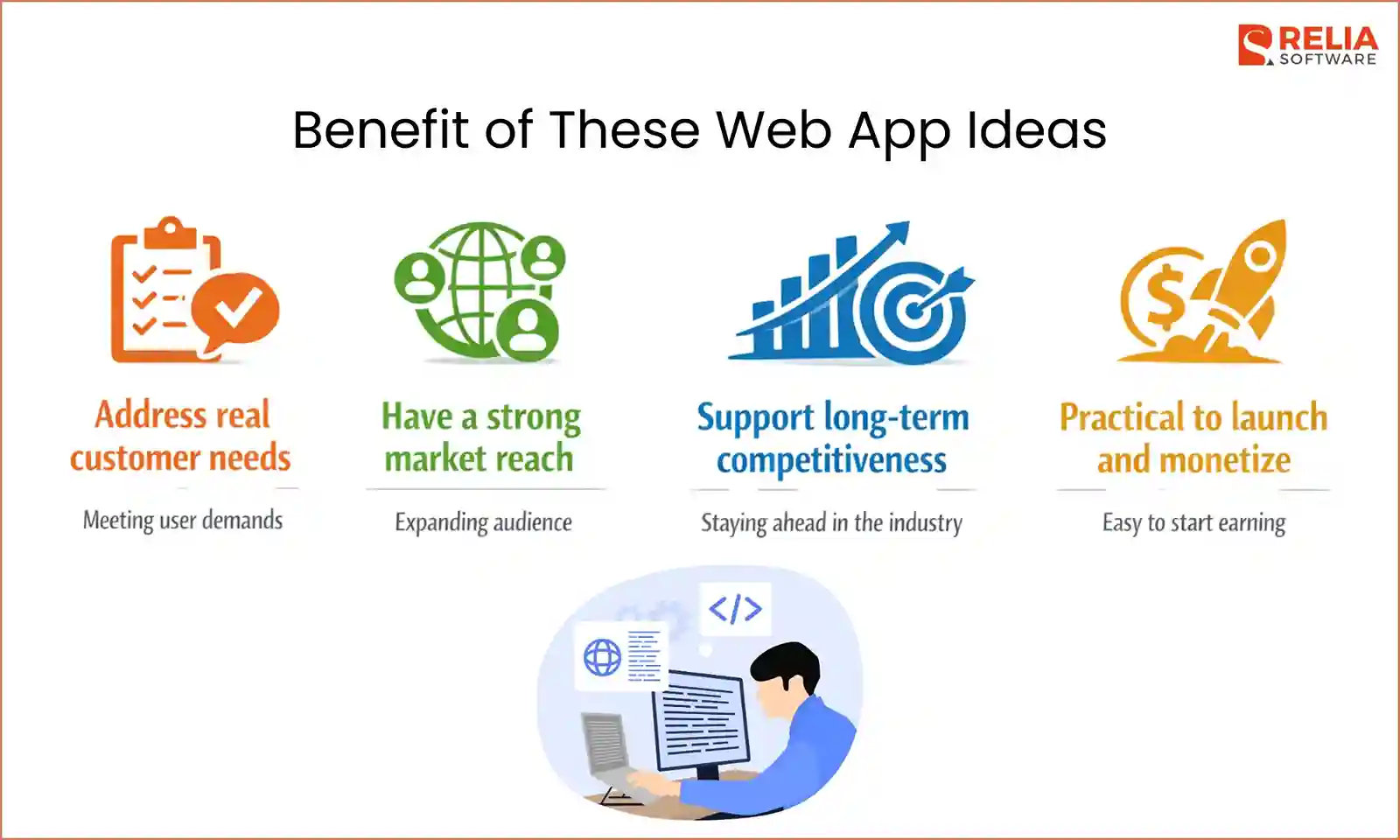
Benefits of These Web App Ideas for Your Business
- Address real customer needs: This list focused on ideas that address everyday needs, so businesses can attract the right users easily and build products that people actually want to keep using.
- Have a strong market reach: Ideas that can reach a large user base were preferred in this article, so businesses can reach more users and scale without being limited to a small market.
- Support long-term competitiveness: We also prioritized ideas that practically apply modern technology, so businesses can stay competitive and respond to changing market expectations.
- Practical to launch and monetize: We selected projects that are easy to start and monetize, allowing businesses to start small, generate revenue early, and grow confidently.
Conclusion
Innovative web app ideas only matter when they are built into real products. Turning an idea into a working web app requires careful planning, the right technical choices, and experienced people to build it properly. With the right software development partner, businesses can turn these ideas into reliable web apps that are ready to grow and succeed.
>>> Follow and Contact Relia Software for more information!

- Web application Development
- development
- web development